What is new
[9.5.7] Android Auto, faster Google Drive sync, MuPDF 1.28.3
Android Auto
- Librera now appears as a media app in Android Auto
- Browse recent books in the car, with covers, titles and authors
- Selecting a book resumes it at its saved position
- Playback controls work from the car, the lock screen and Bluetooth
Text-to-speech
- Uses Android’s standard media notification, with cover art, a progress bar and lock screen controls
- Fixed no speech when the system default engine points at an uninstalled package
- Fixed the notification disappearing, or staying stuck on “please wait”, after a long time in the background
- Fixed audio focus not being released on pause, which left other apps muted
- Fixed a crash when requesting the notification permission from the TTS controls
Reading
- Upgraded the MuPDF engine to 1.28.3
- Text selection now works while “crop white space” is enabled, in both book and scroll modes
- Reading direction (RTL) can now be set in scroll mode, not only in book mode
- Annotating is allowed while crop is enabled
- Fixed reflow when toggling “crop white space”
- Book mode: the clock/battery ticker stops when the status bar is hidden
- New “Show progress slider” setting to toggle the seek bar row
- Improved jump history and “Back” arrow visibility when using the slider
- More consistent brightness values when adjusting by scroll
- Fixes for formatted .txt files
Google Drive sync
- Much faster: smaller listing requests, parallel downloads and a change check that skips work when nothing changed
- Deleting a book now propagates: it no longer comes back from another device
- Fixed downloads failing into folders that did not exist locally
- Fixed a sync that could stop early on files without a size
- Temporary download files are no longer uploaded to Drive
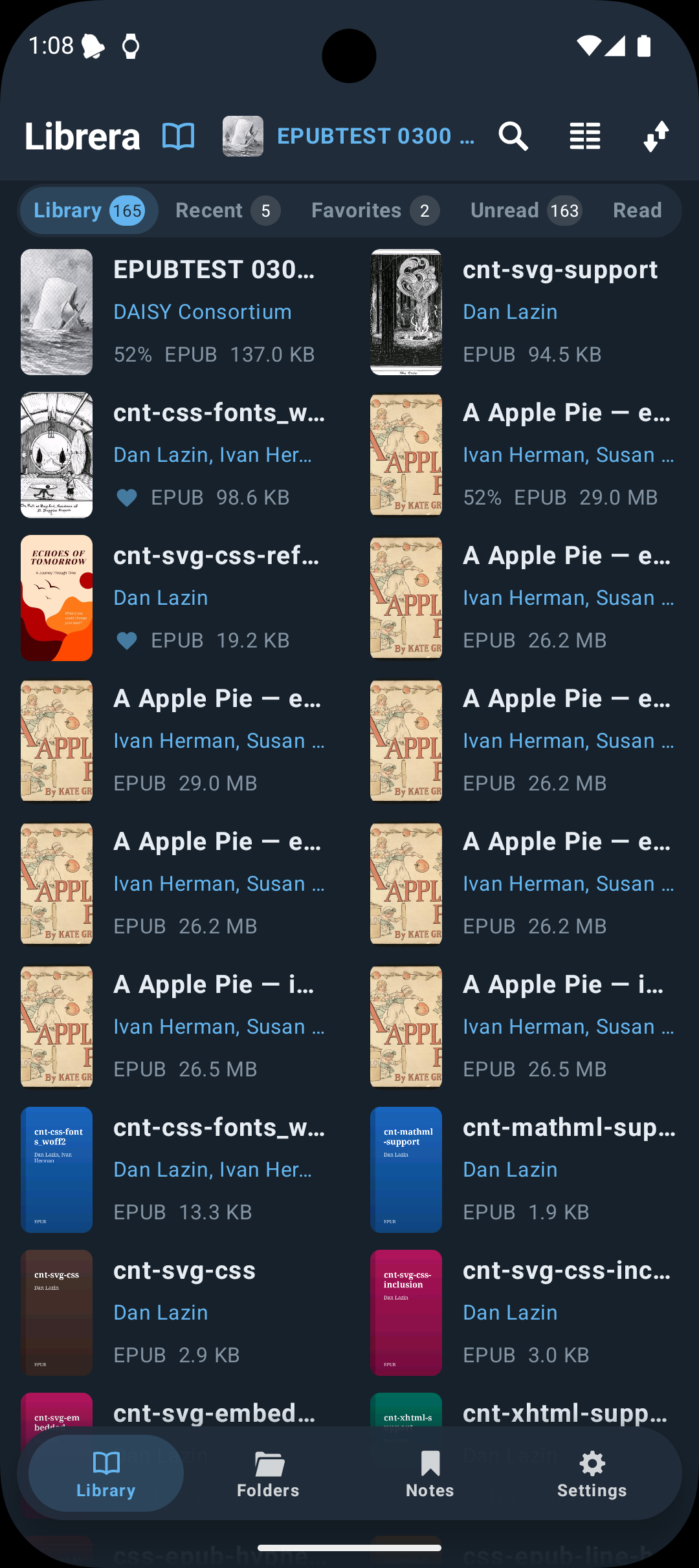
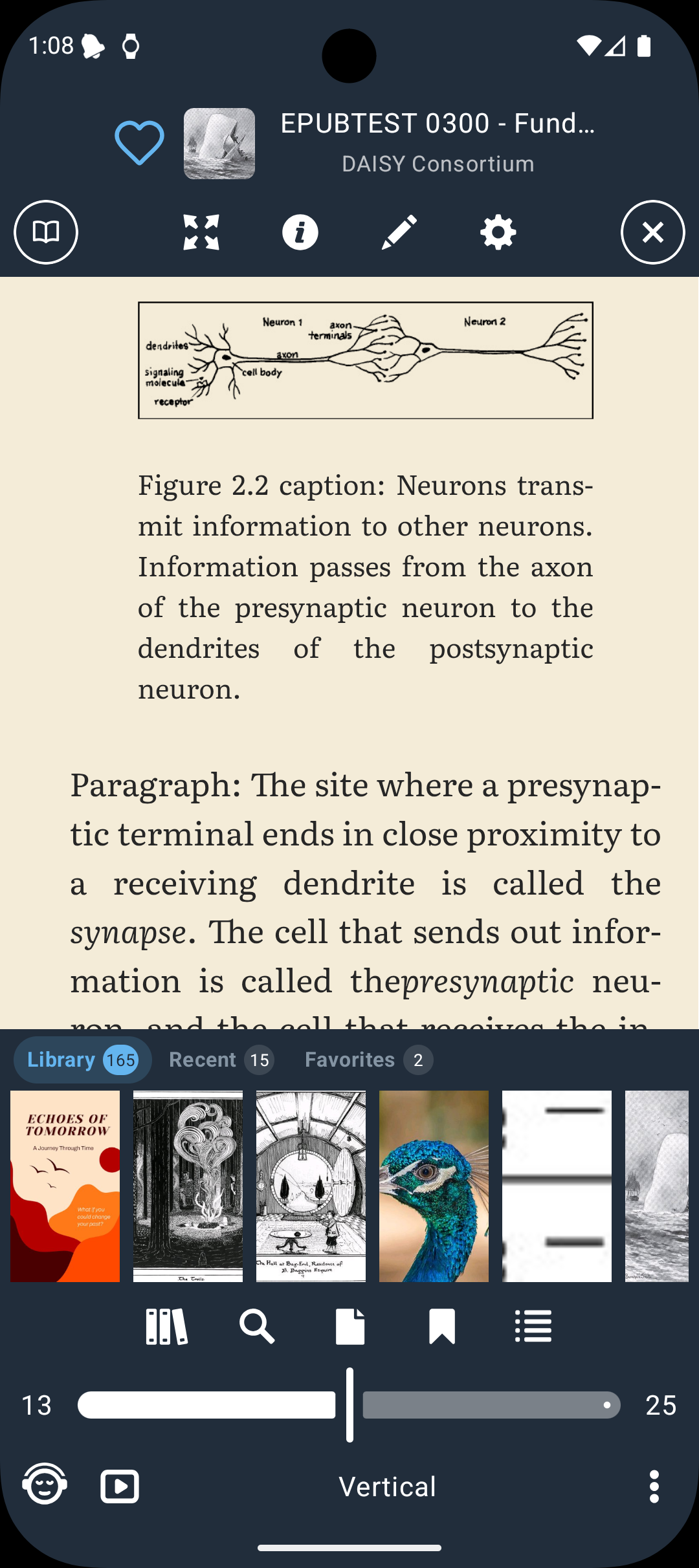
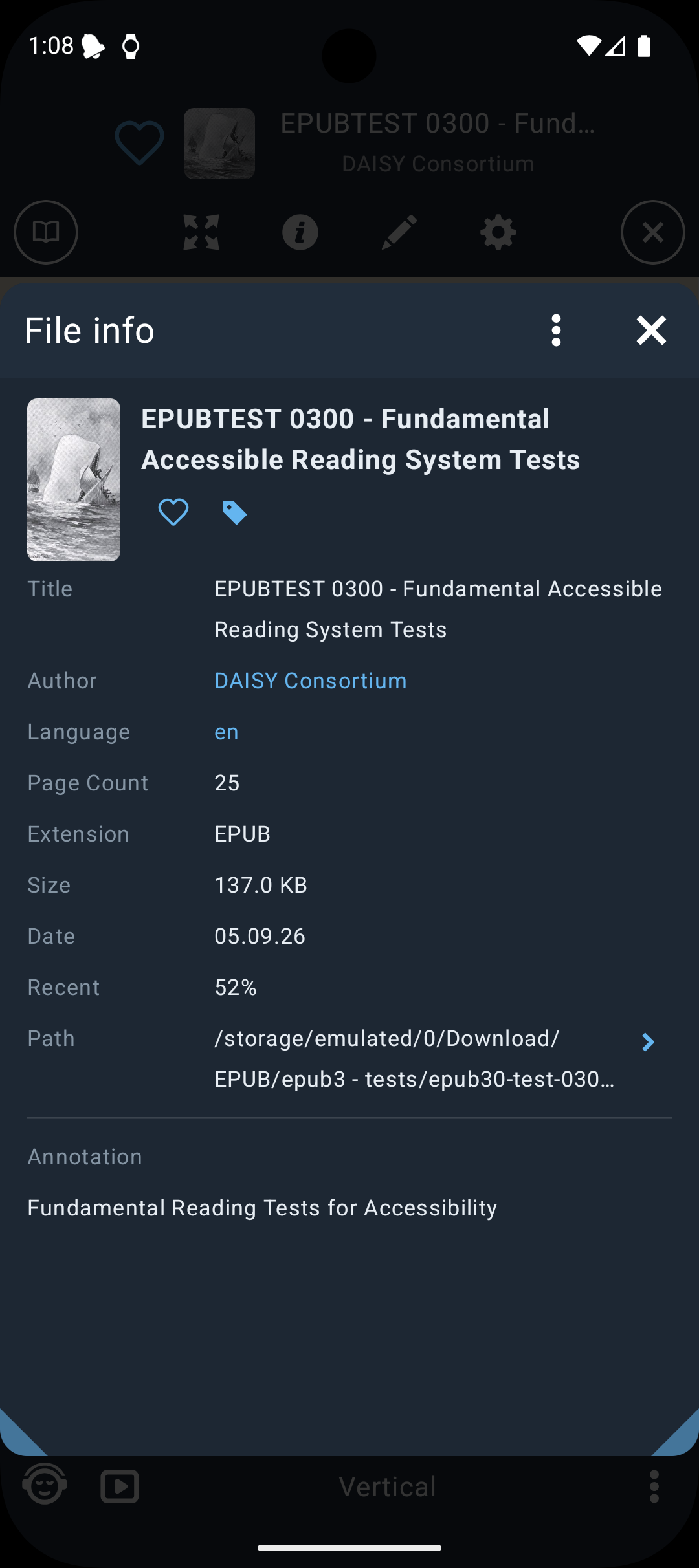
LibreraX is the future Librera application: read more, beta downloads
 |
 |
 |
[9.4.21] Text replacement and color settings
- Fixed text replacement for multiple words
- Updated the UI for changing text and background colors
- Added an alert for permanent file deletion
- Clicking on File Information metadata now navigates to the library
- Added the Hebrew (“iw”) translation and fixed other translations
- Fixed the grid view widget
- Fixed the eye reset timer
[9.4.8] All-storage access is optional
- The app can use the system file manager to open individual files
- Fixed choosing a profile
[9.3.75] Contrast and brightness for all reading modes
- Fixed contrast and brightness
- Advanced option to enable contrast and brightness for all reading modes
- Fixed Chinese language
- Fixed search in many PDF and EPUB books
[9.3.55] Librera for macOS (beta)
Supports PDF, EPUB, FB2, CBZ, CBR. Download
[9.3.35] Tags rewritten, single and long tap book actions
- Tags functionality rewritten
- Configure the book click action for single tap and long tap
[9.3.10] Super fast reader
[9.3.1] Recent, Favorites, Tags, Playlist, Folders fast preview panel
[9.2.21] Many improvements and fixes
[9.1.29] Page foreground color, RTL or LTR per book
- Configure page foreground color
- Set RTL or LTR text direction for each book individually
[9.1.7] Remember RTL or LTR per book, SherpaTTS
- Remember RTL or LTR for books individually
- Added SherpaTTS as a recommended TTS engine
- Many small fixes
[9.0.5] Android 15 and Android 16 support
- Support Android 15, Android 16
- Improved UI
- Fixed grid widget
- Fixed TTS
- Added support for user CA certificates
- Added double tap to share page as image
- Added range search in the book (example:
search text[14:344])
[8.9.182] Android 15 edge-to-edge fix
[8.9.181] Android 14 widget fix, cache files fix
[8.9.175] Librera online book reader
Read PDF, EPUB, FB2, CBZ, TXT in the browser: Librera online book reader
[8.9.161] Fixed TTS audio focus
[8.9.155] TTS desktop widget
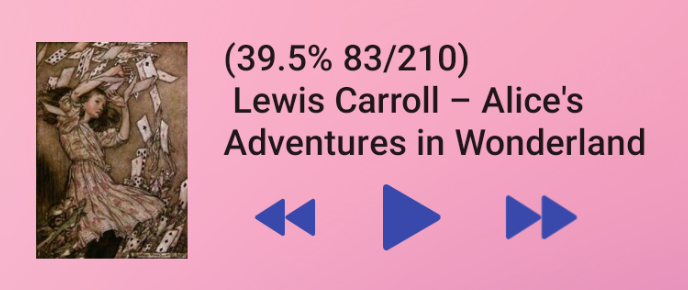
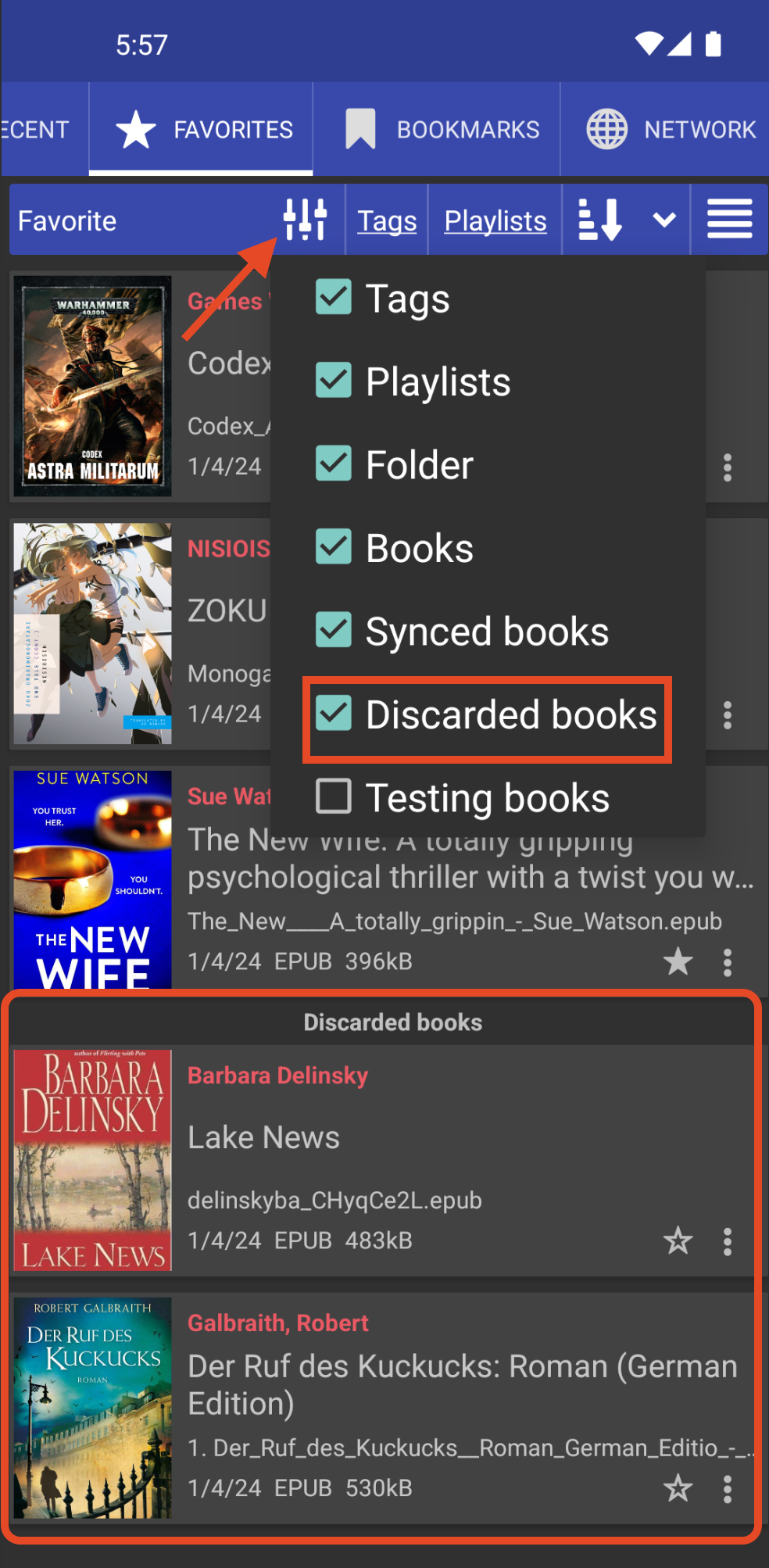
[8.9.153] Show library-excluded books in the favorite tab
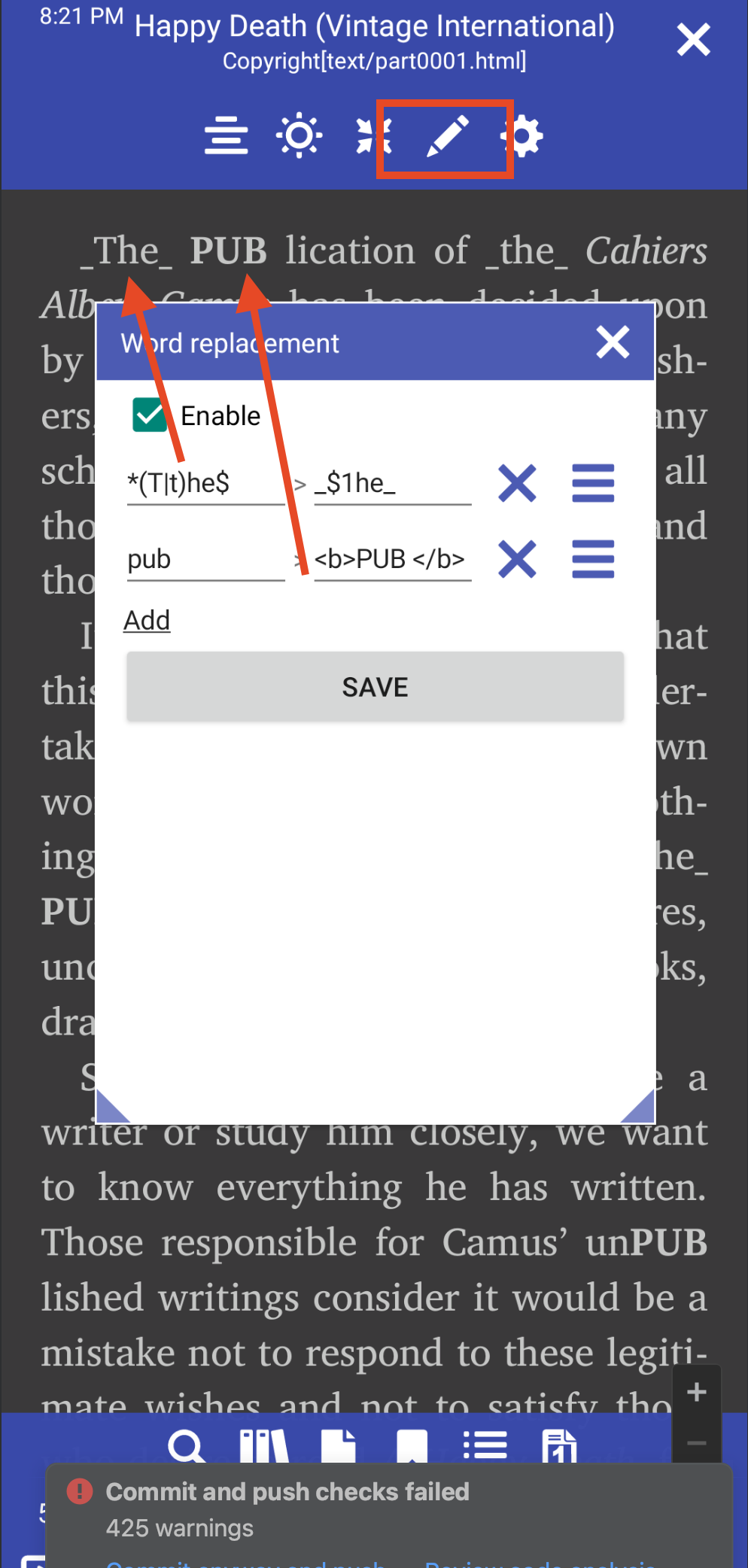
[8.9.150] Changing words within the book
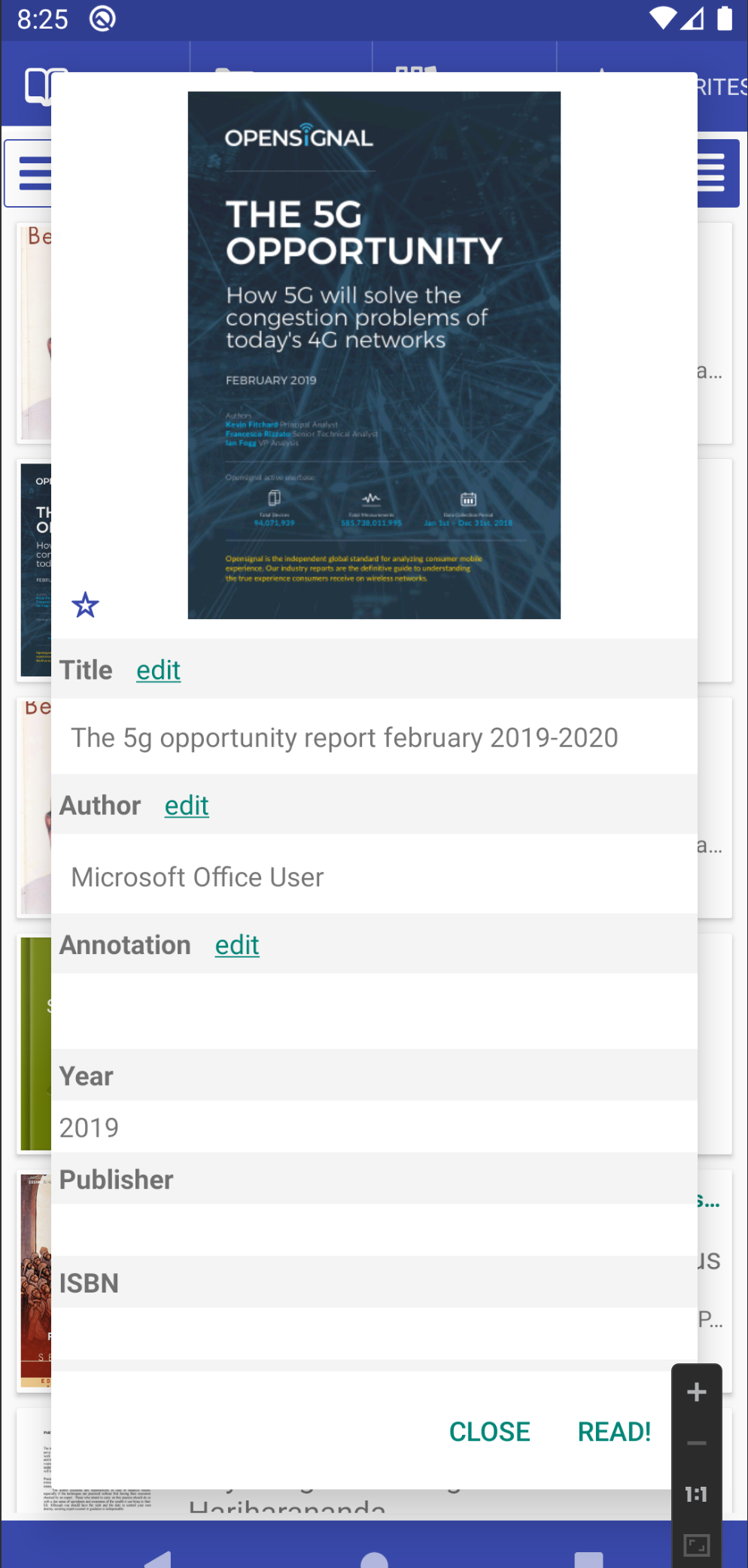
[8.9.127] Edit PDF meta tags
[8.9.133] F-Droid version with Internet and OPDS
[8.9.126] Open books from external SD card without a cache copy, when possible
[8.9.117] Clicking the back button twice to exit an activity
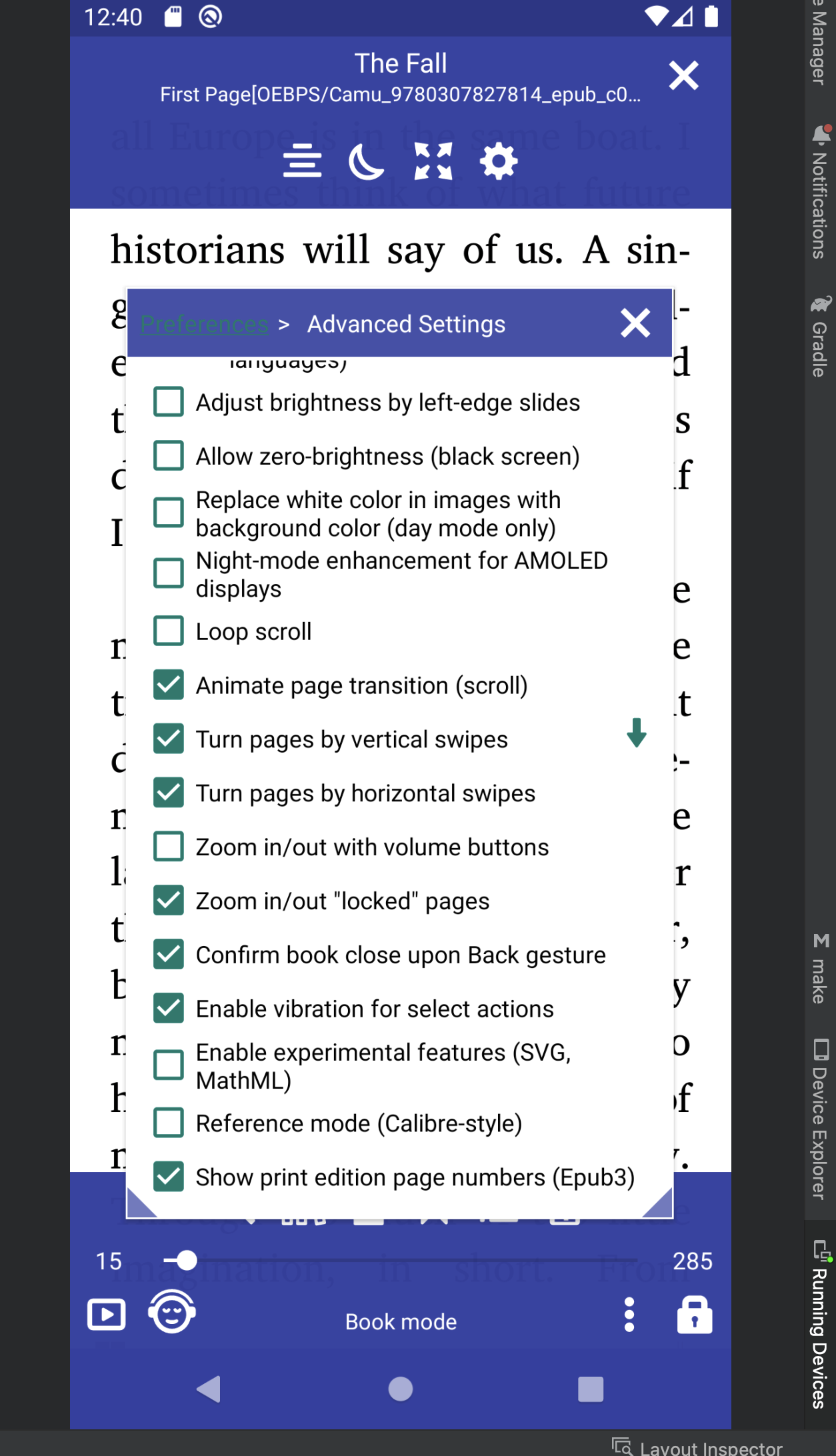
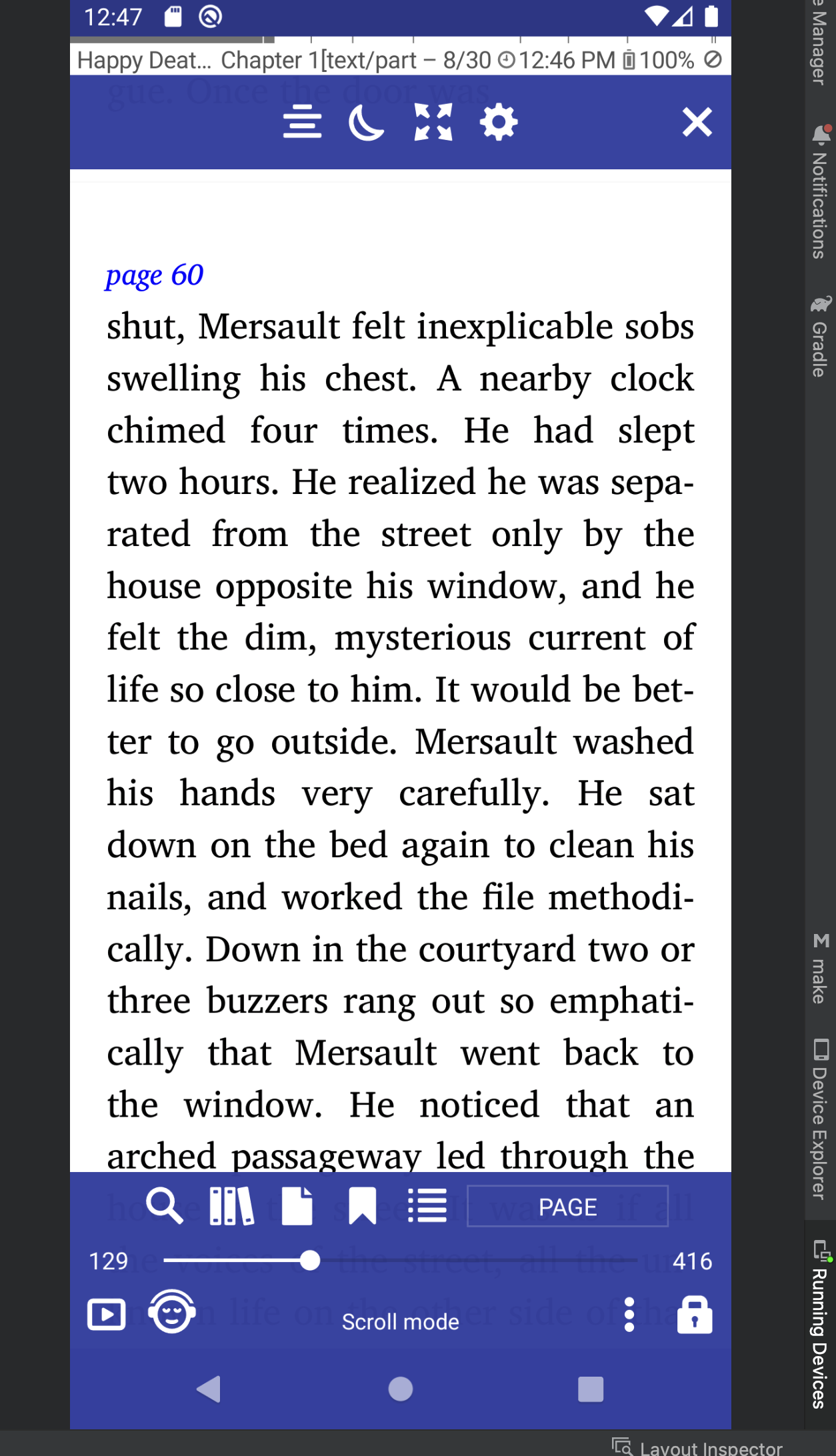
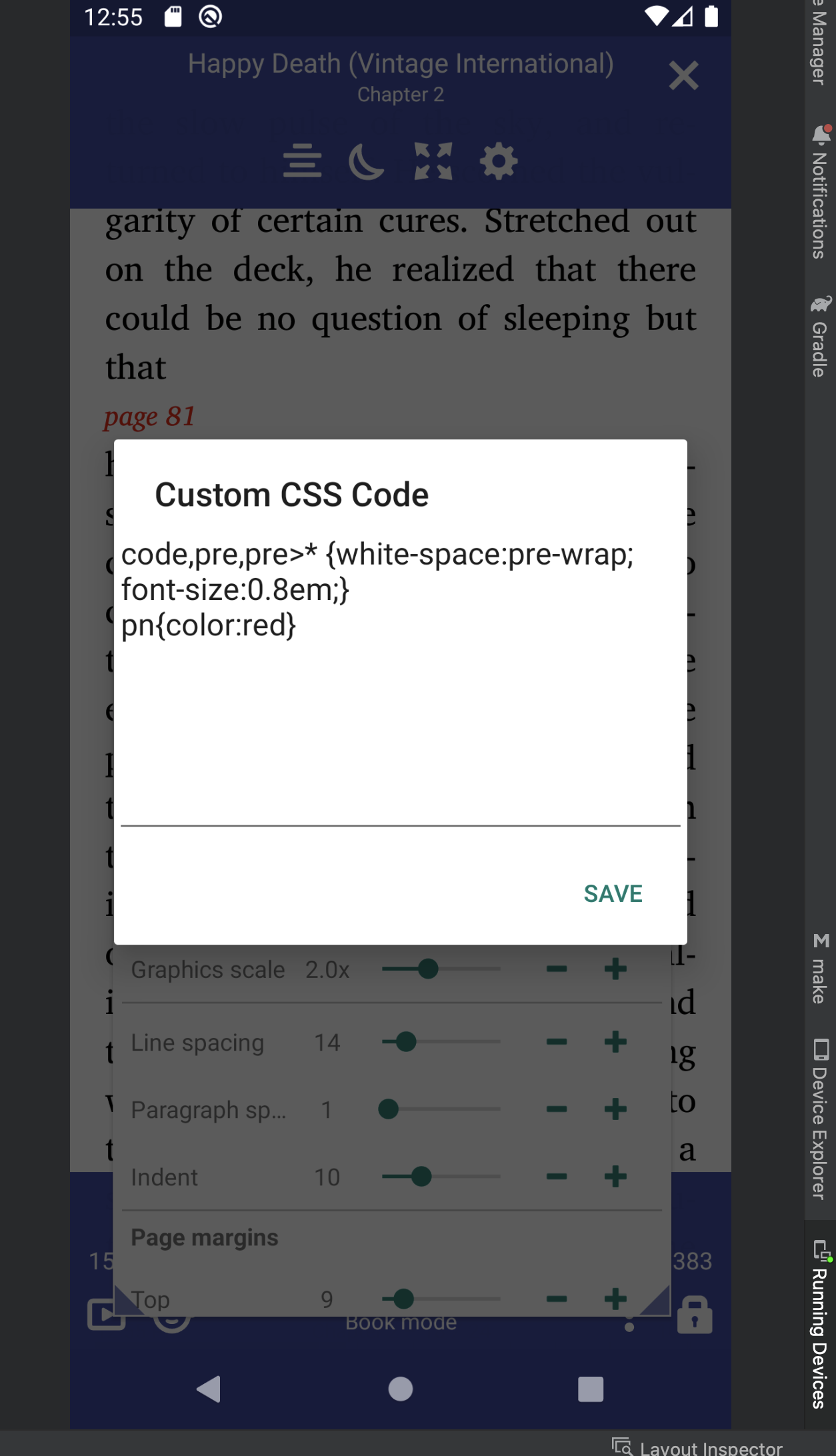
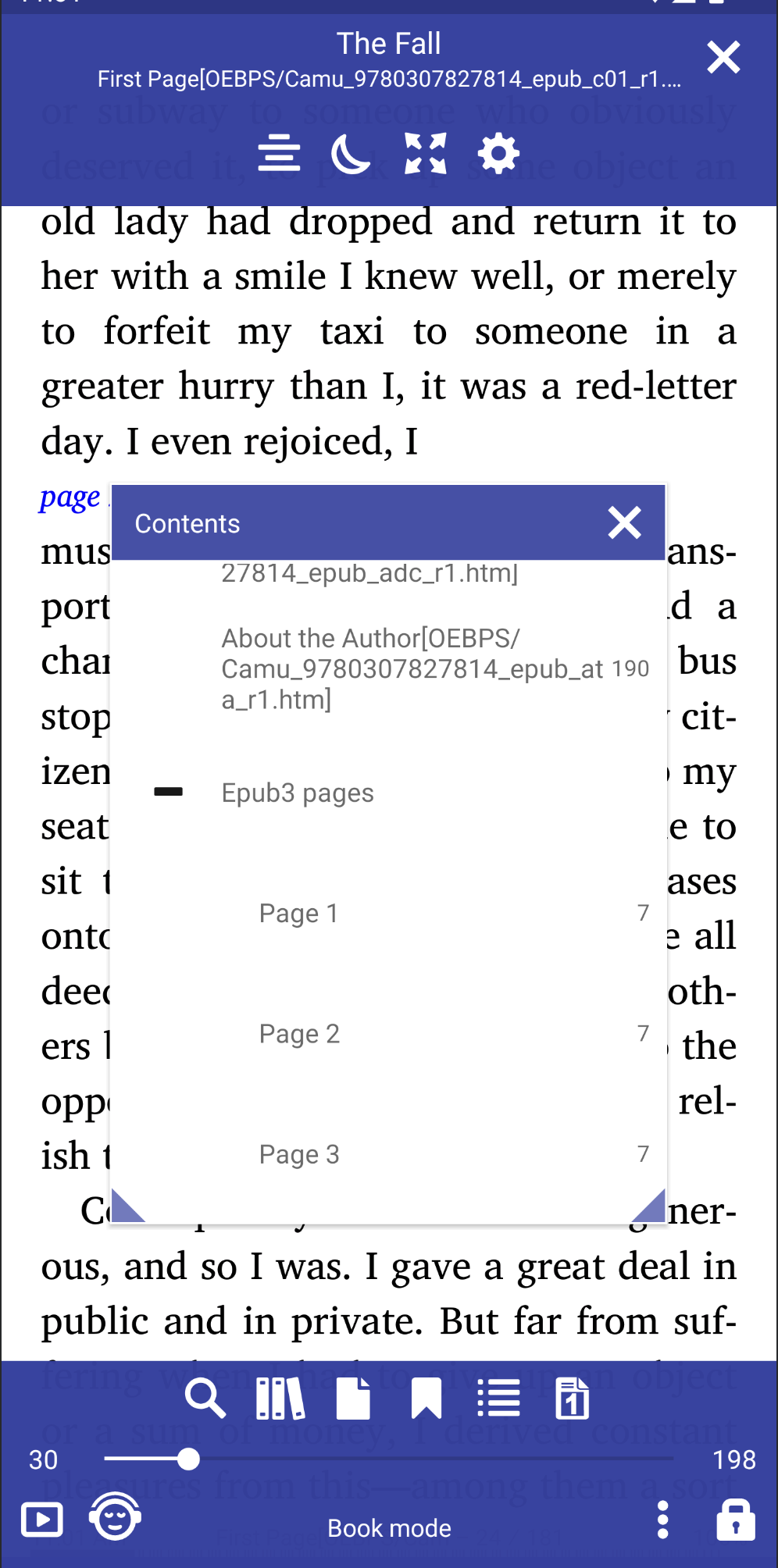
[8.9.76] Show print edition page numbers (Epub3)
 |
 |
 |
 |
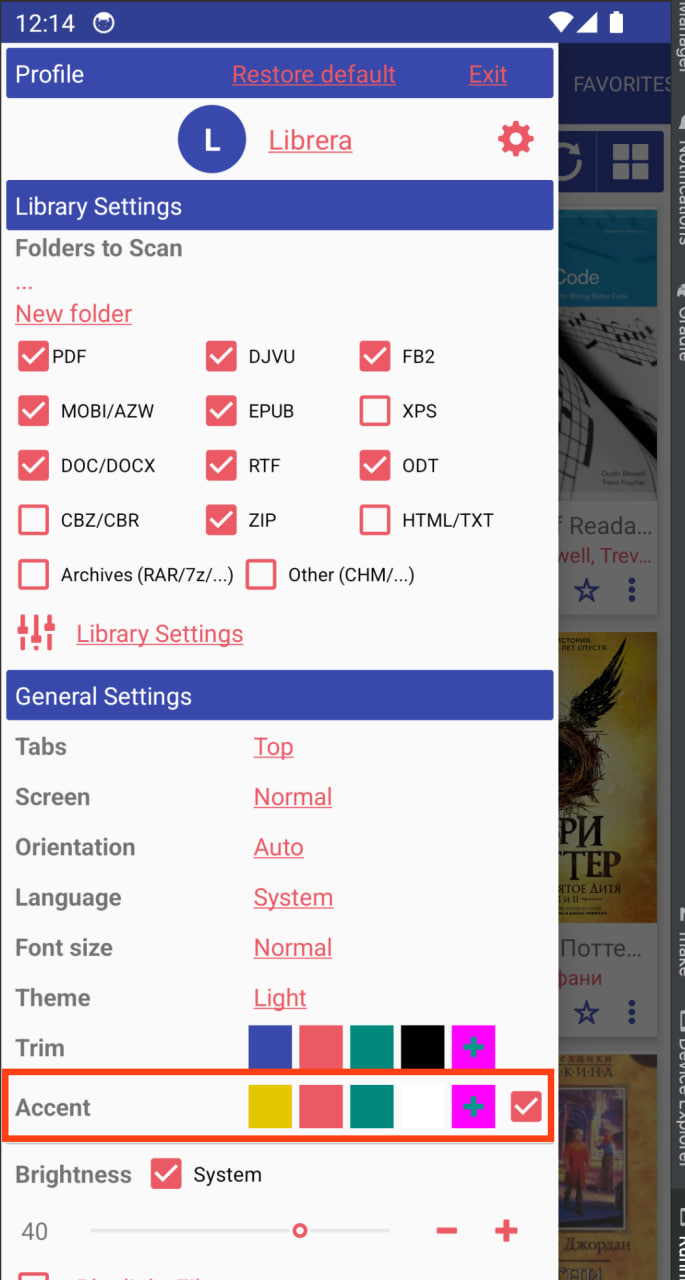
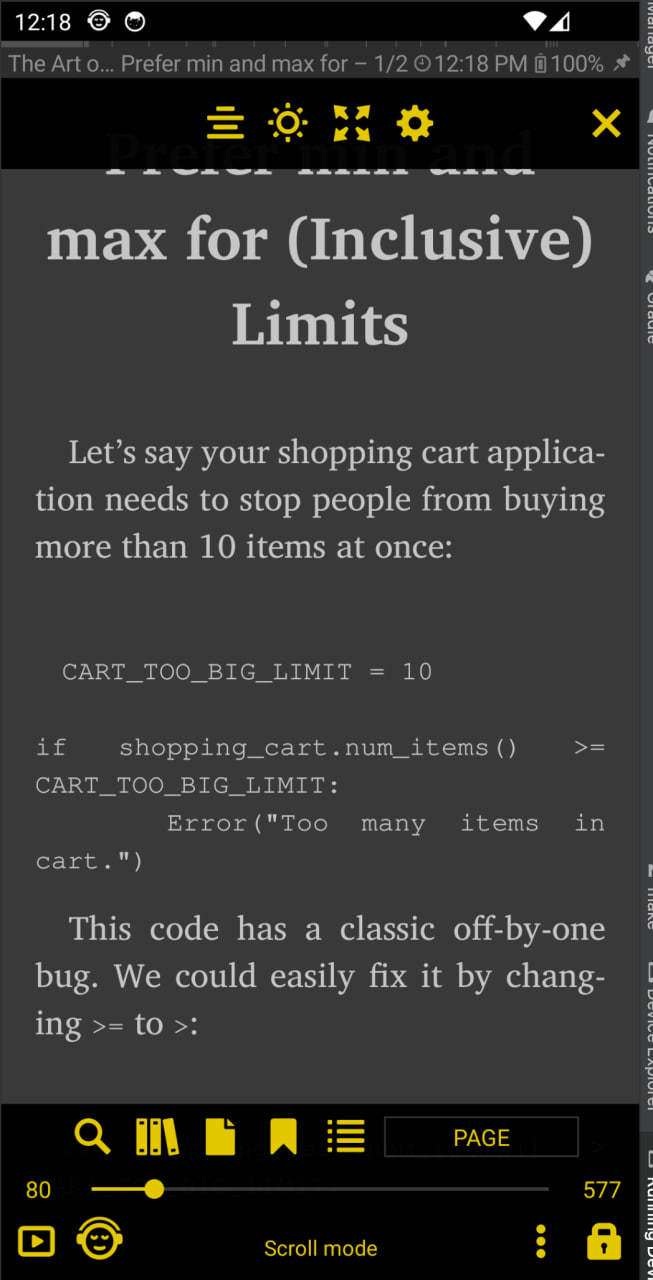
[8.9.54] Accent color
 |
 |
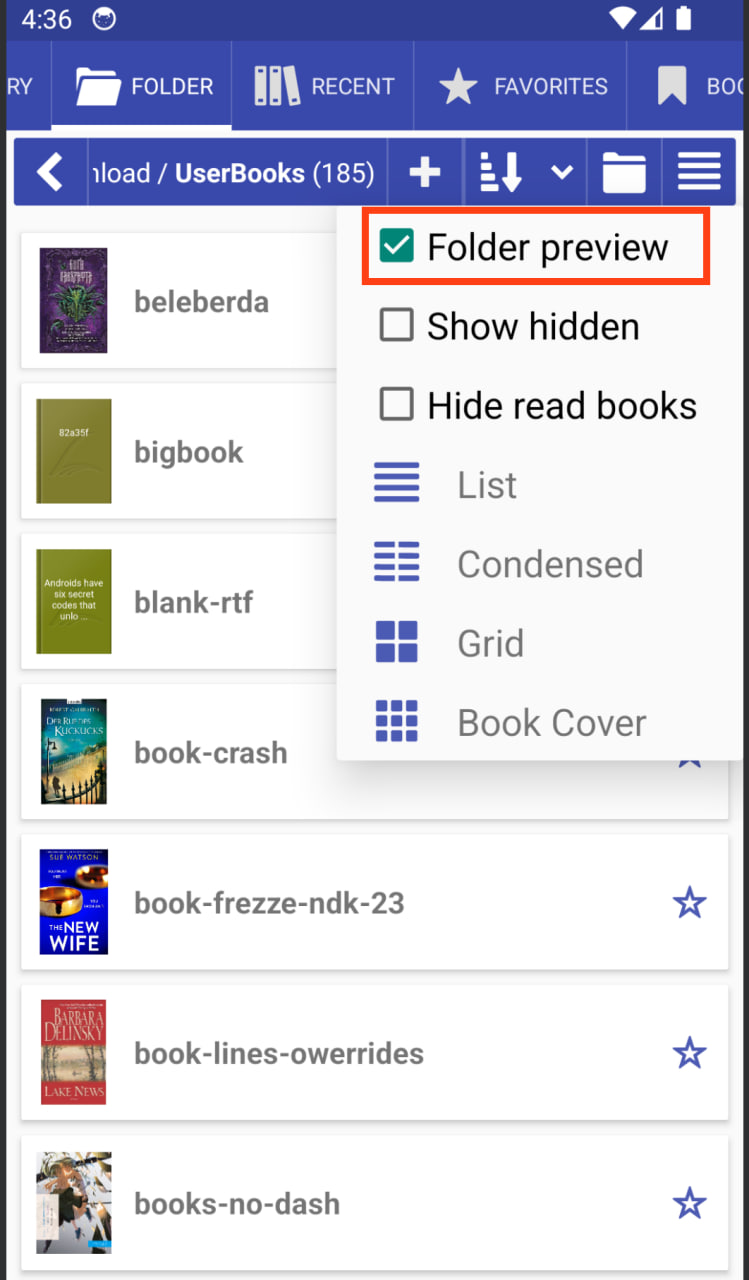
[8.9.50] Folder preview
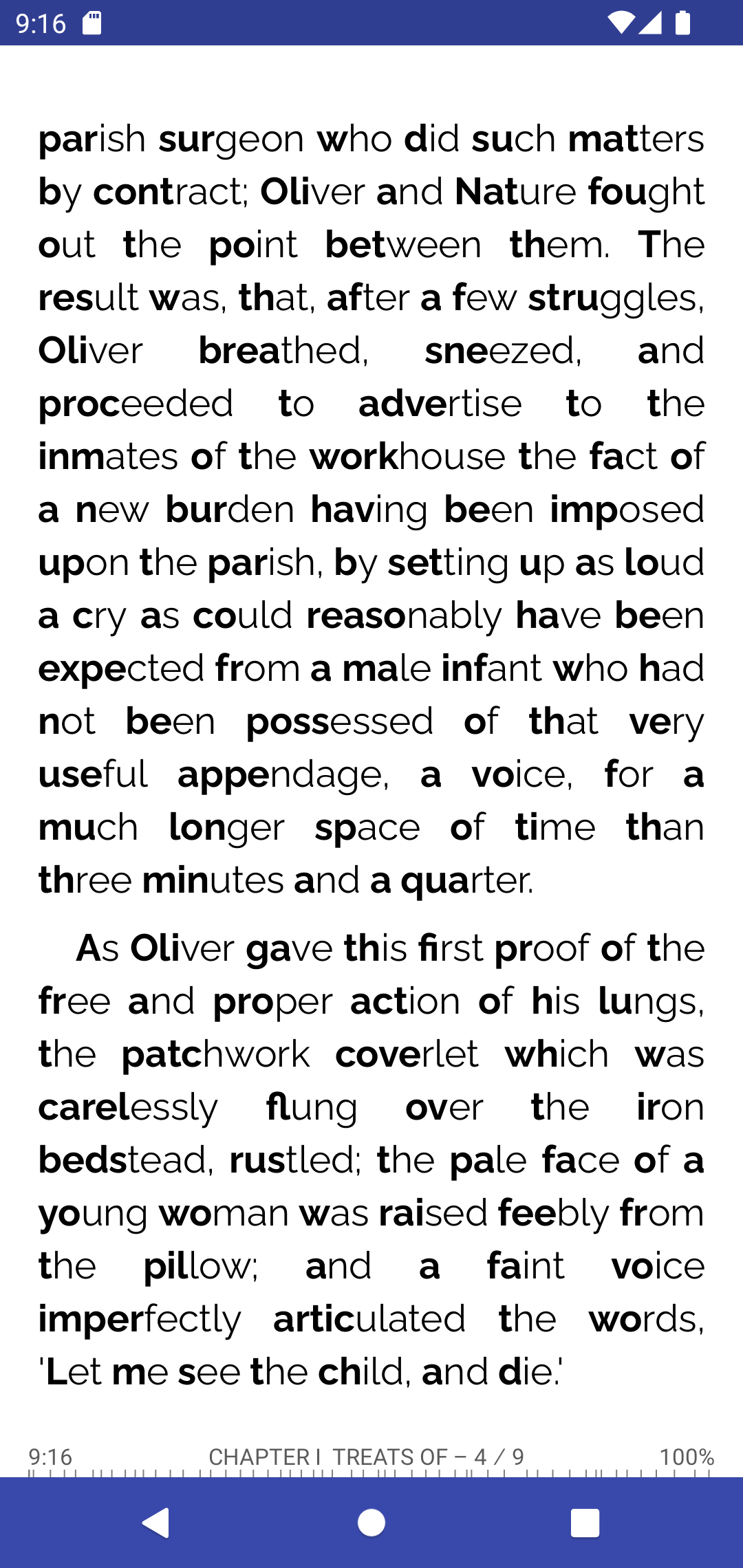
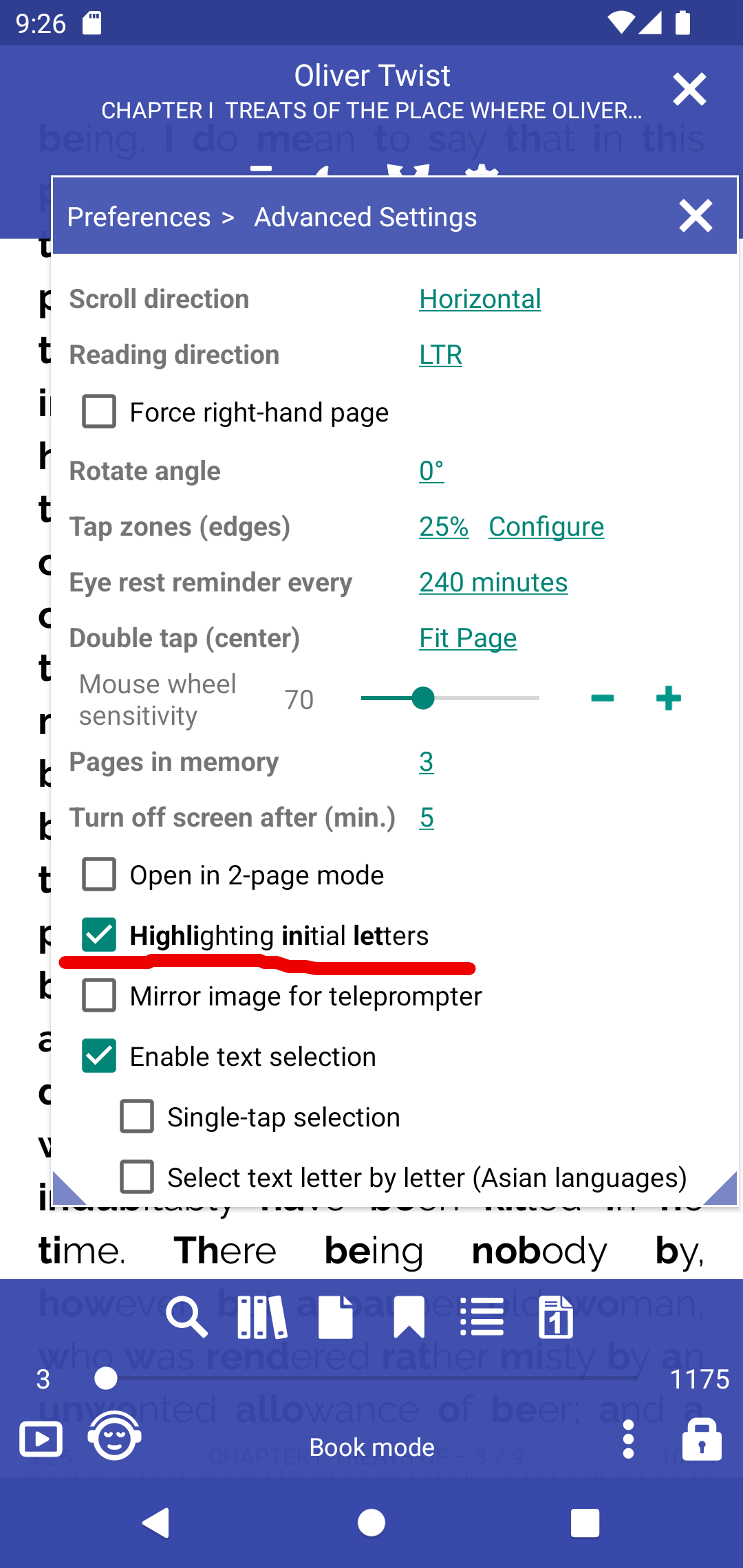
[8.8.104] Highlighting initial letters
 |
 |
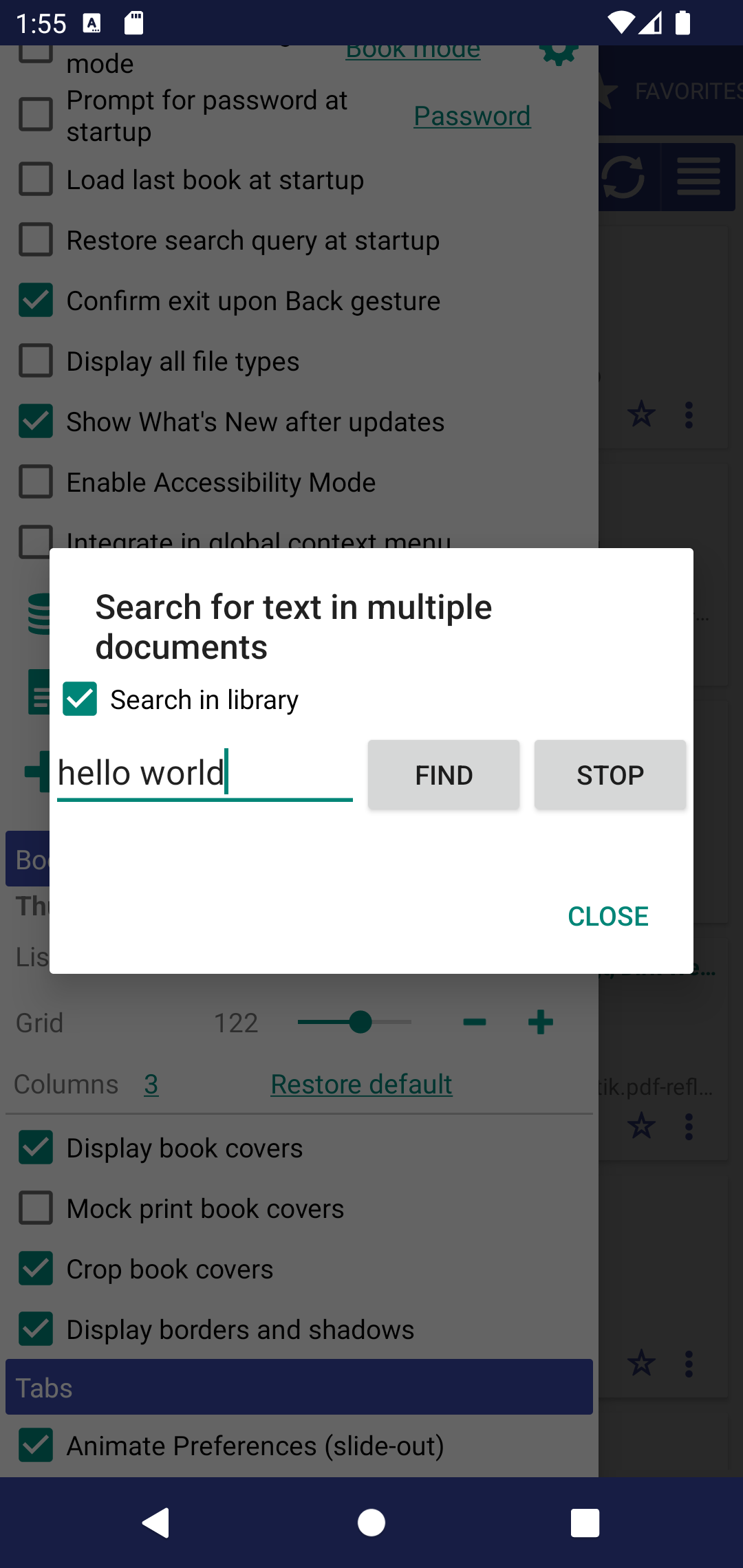
[8.8.79] Search for some text in the Library books
- It’s possible to filter library results
- Sentence search is possible
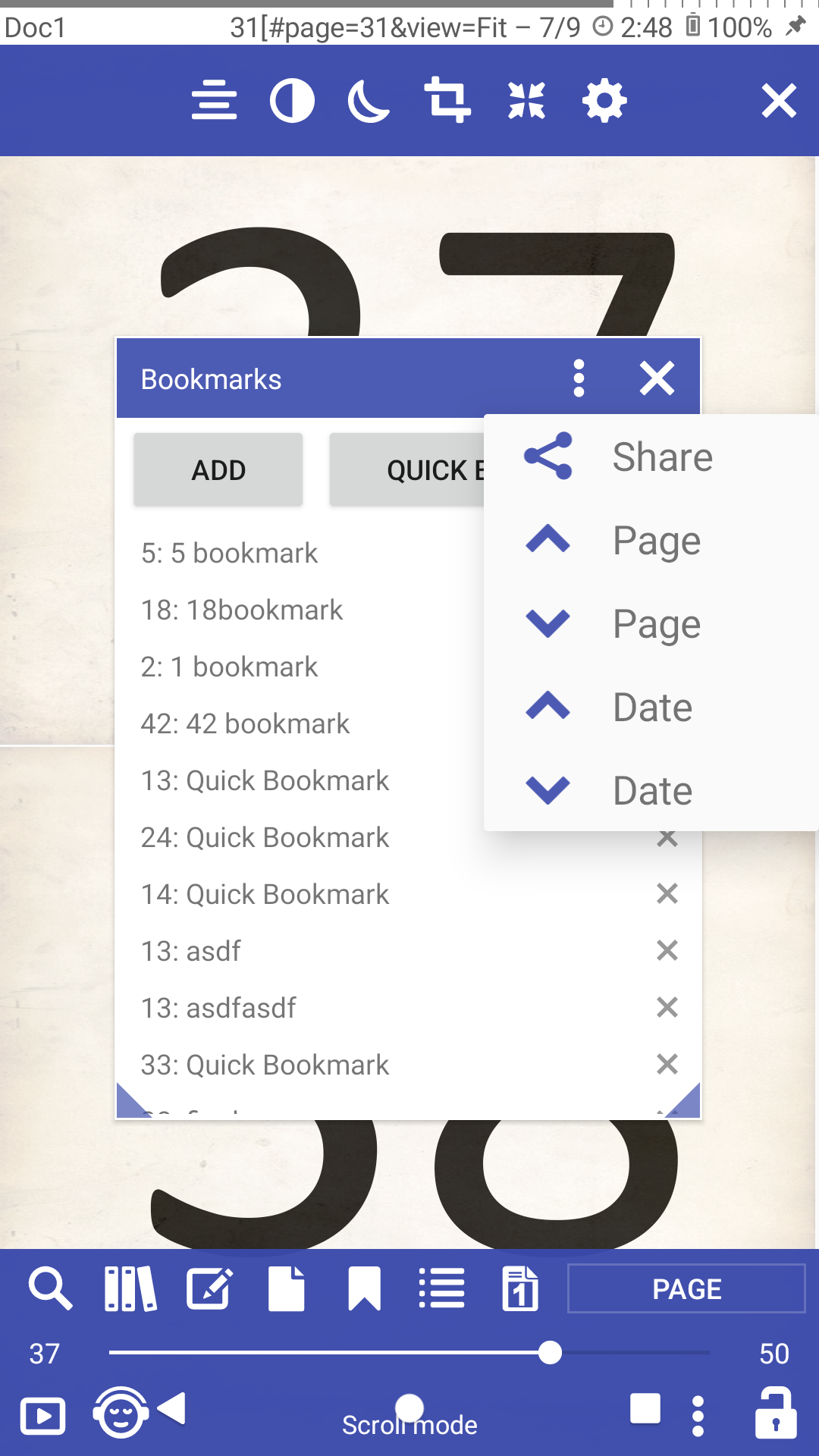
[8.8.79] Sort bookmarks by page or by date
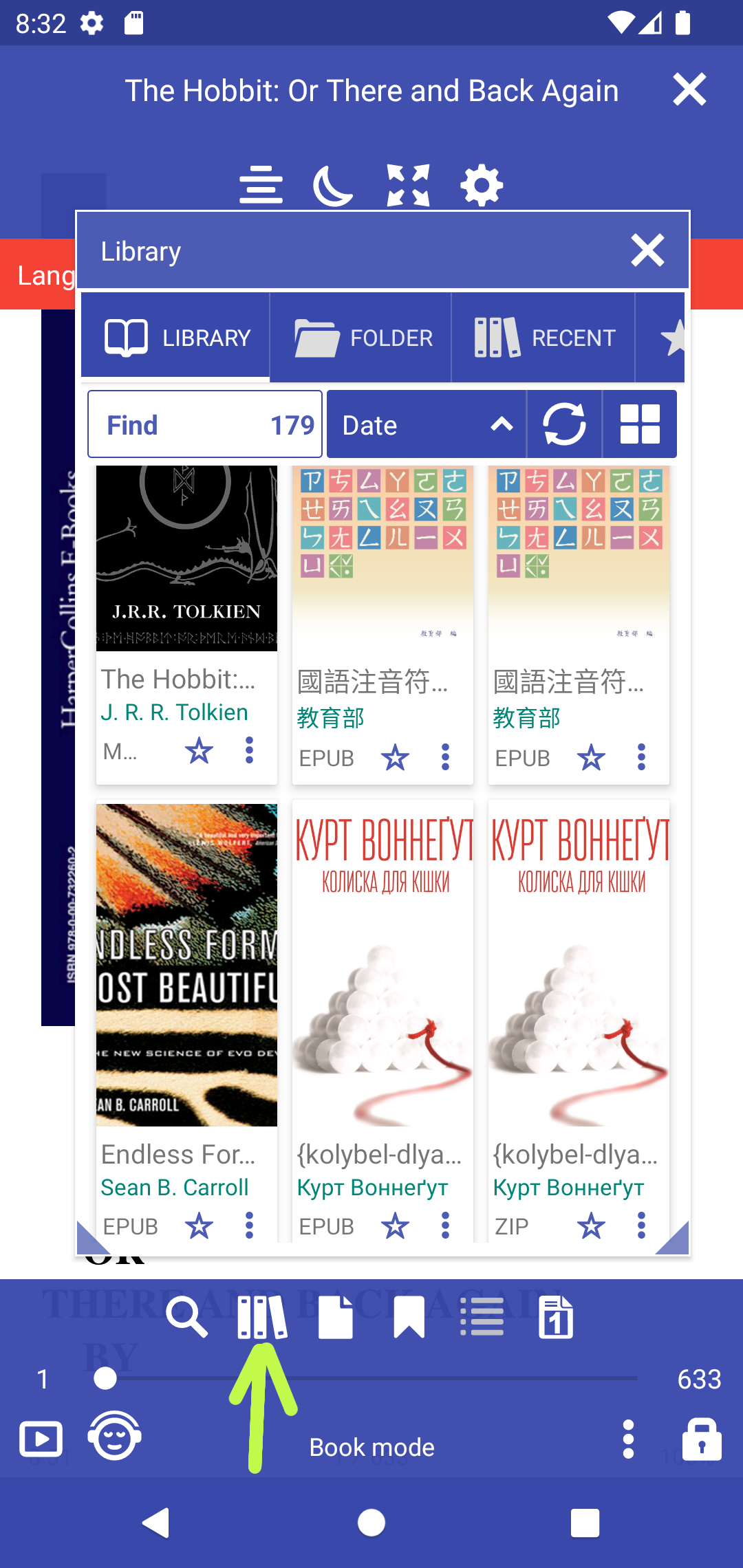
[8.8.37] Access Library from the book
[8.8.16] Support external (http://) images in EPUB books.
Experimental feature should be enabled
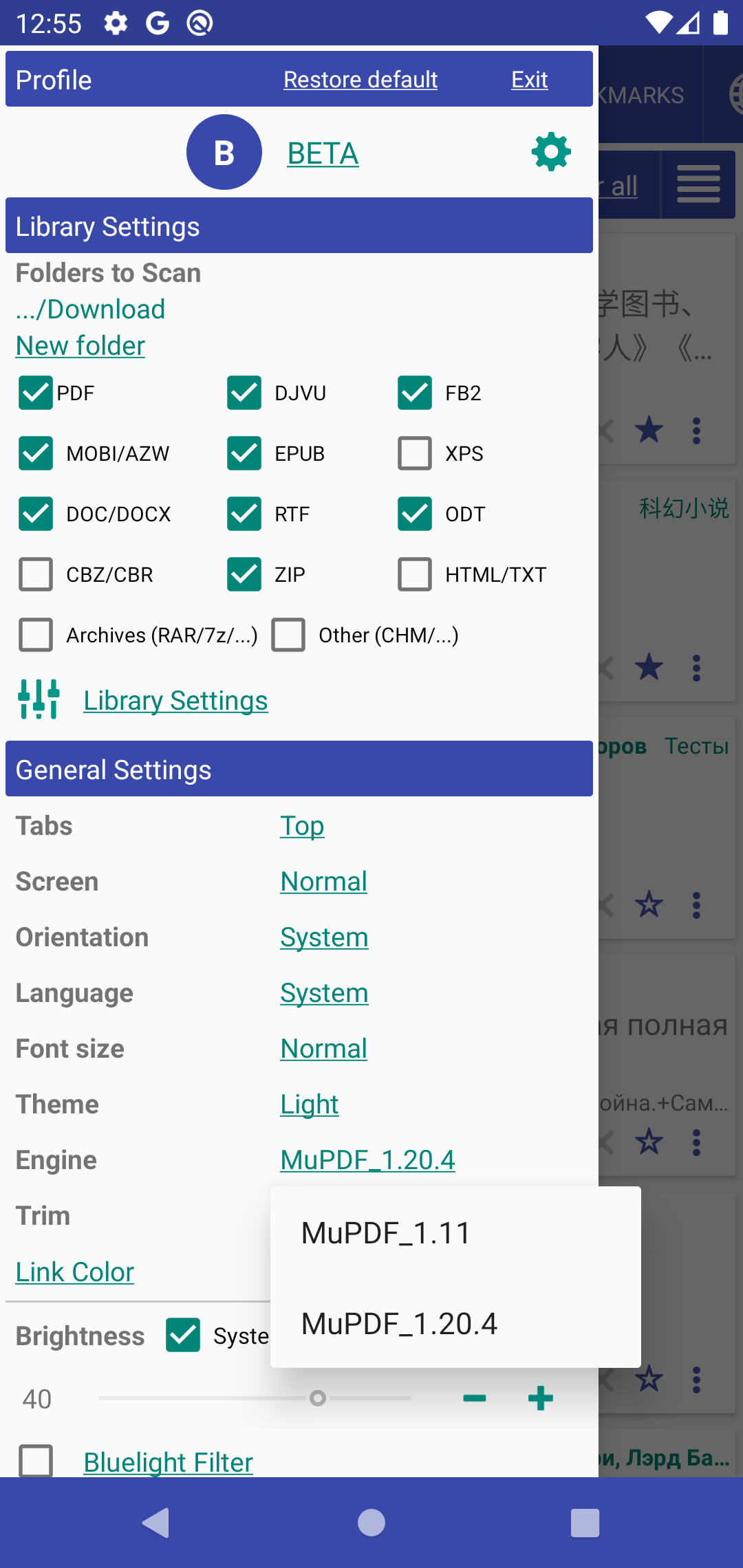
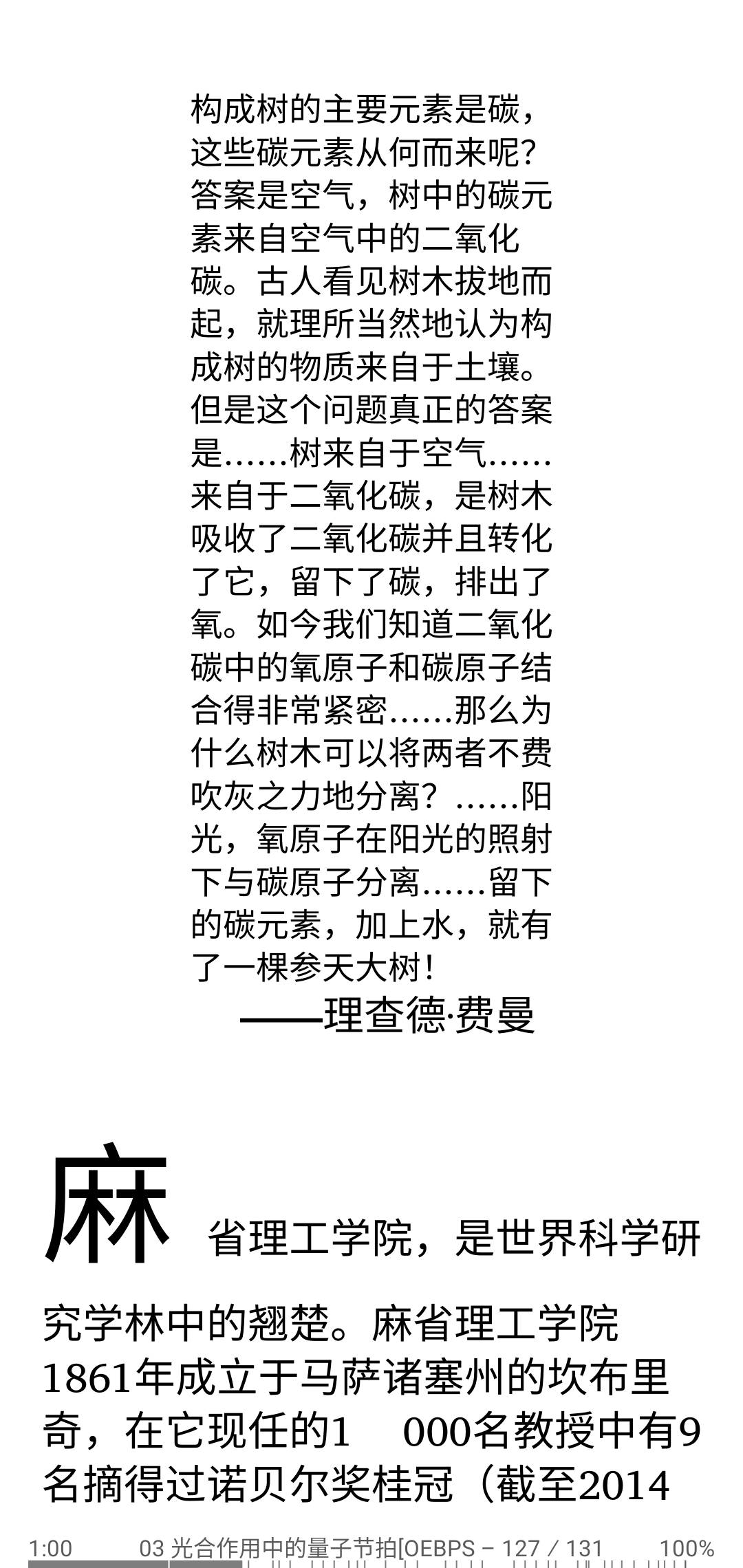
[8.8.0] Changing the rendering engine within the app
MuPDF_1.11 basic Librera rendering engine
MuPDF_1.20.x modern rendering engine, fast, accurate but can be with bugs, crashes
 |
 |
 |
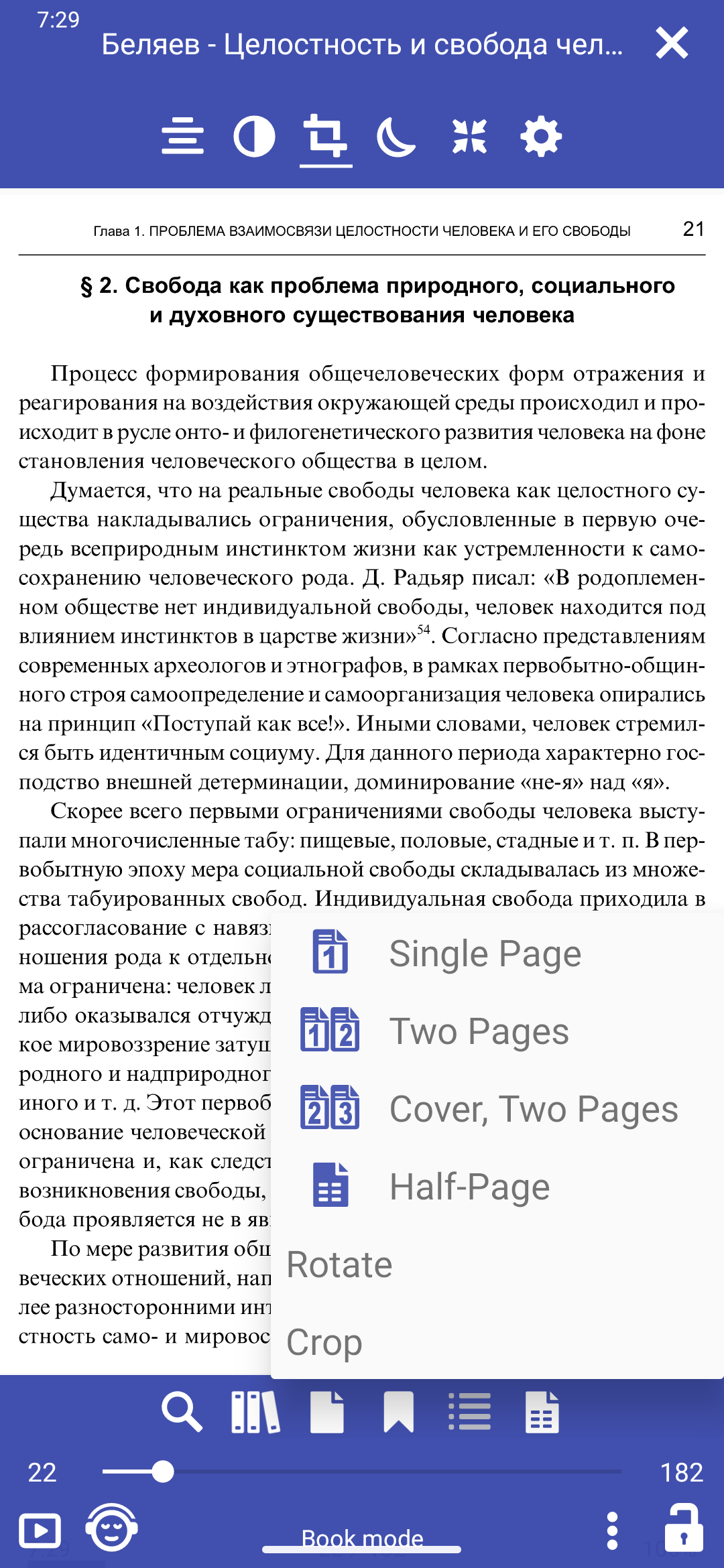
[8.6.44] Rotate page in the bottom menu
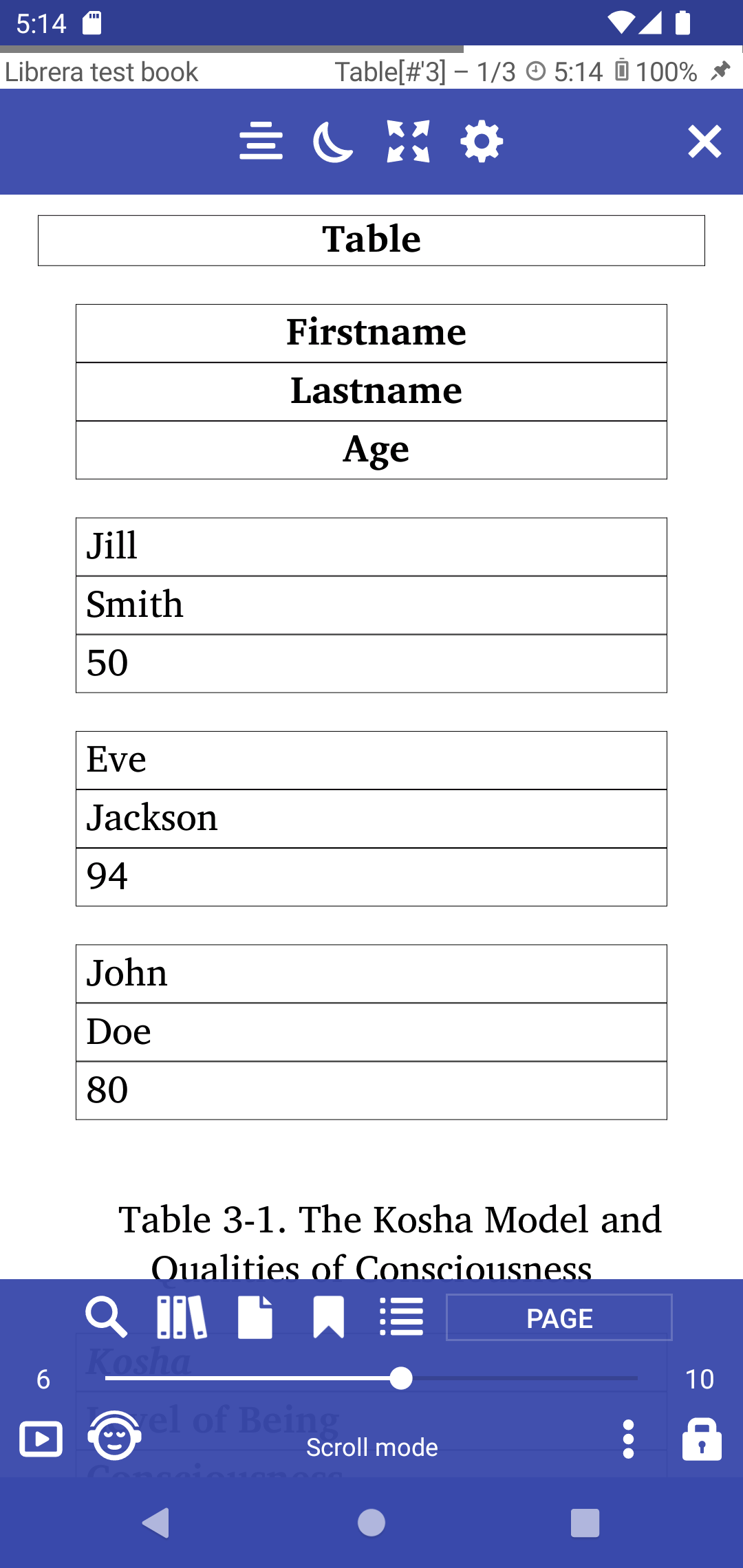
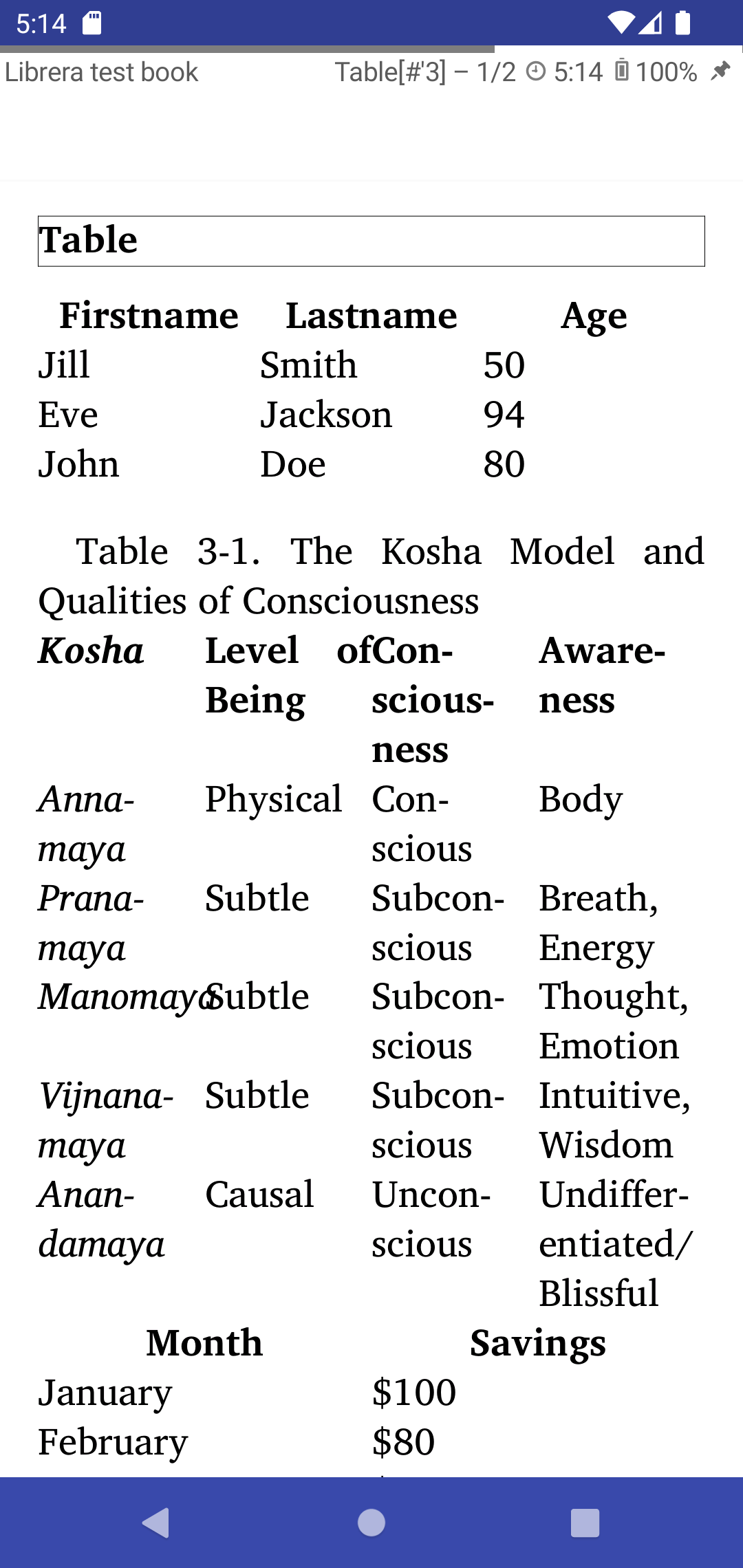
[8.6.47] Custom CSS support and Table support
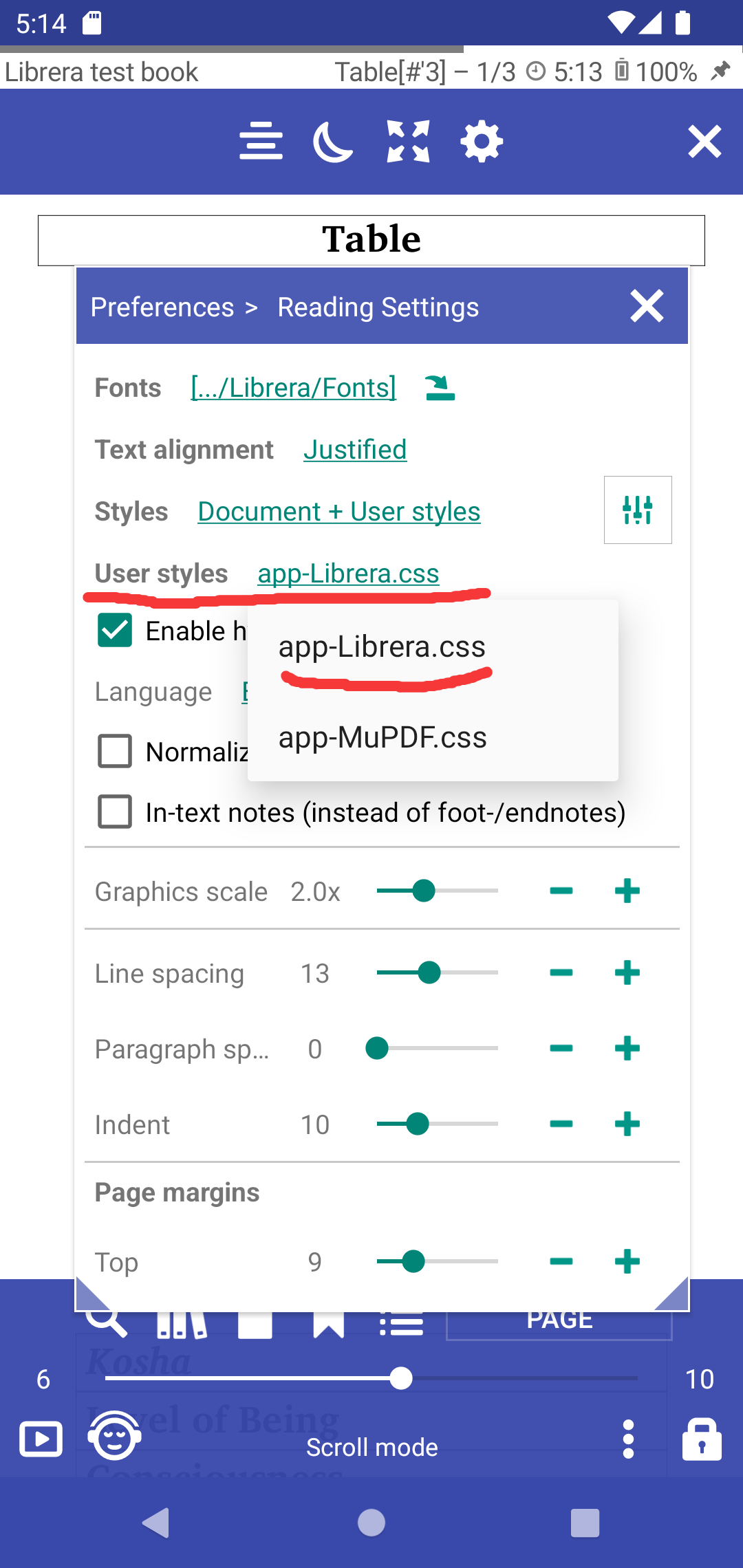
Added possibility to choose user styles css file
/sdcard/Librera/profile.Librera/device.[]/*.css

app-Librera.css - Librera default user styles for documents
app-MuPDF.css - Default MUPDF styles with Table support
 |
 |
 |
[8.6.44] Rotate page in the bottom menu
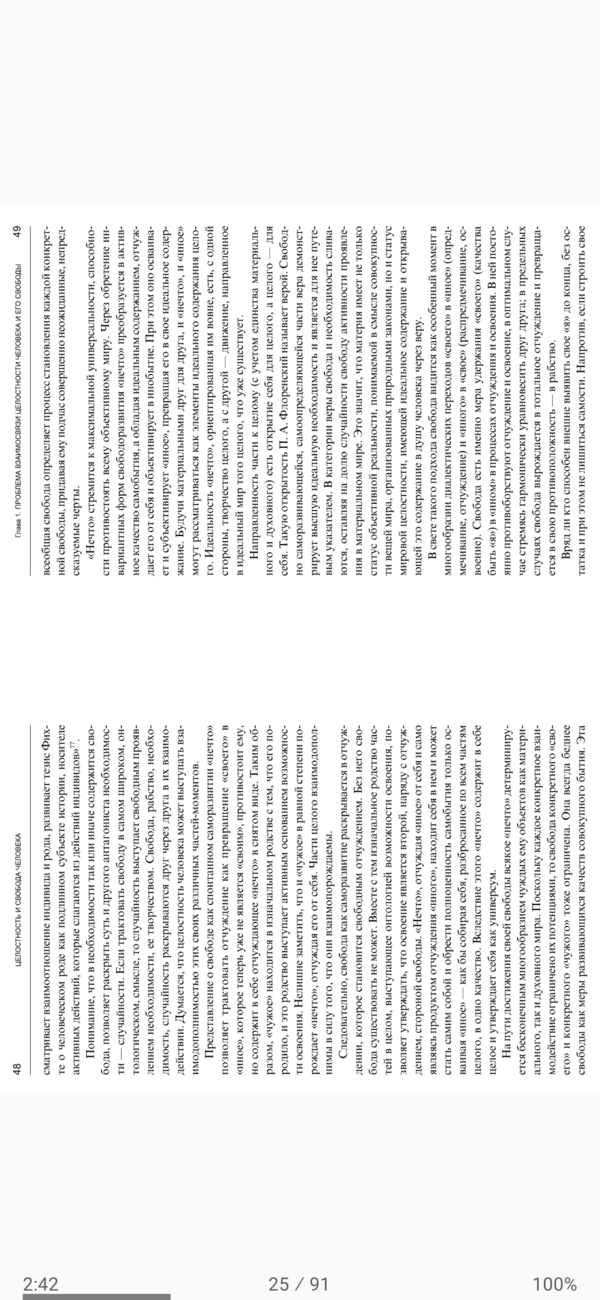
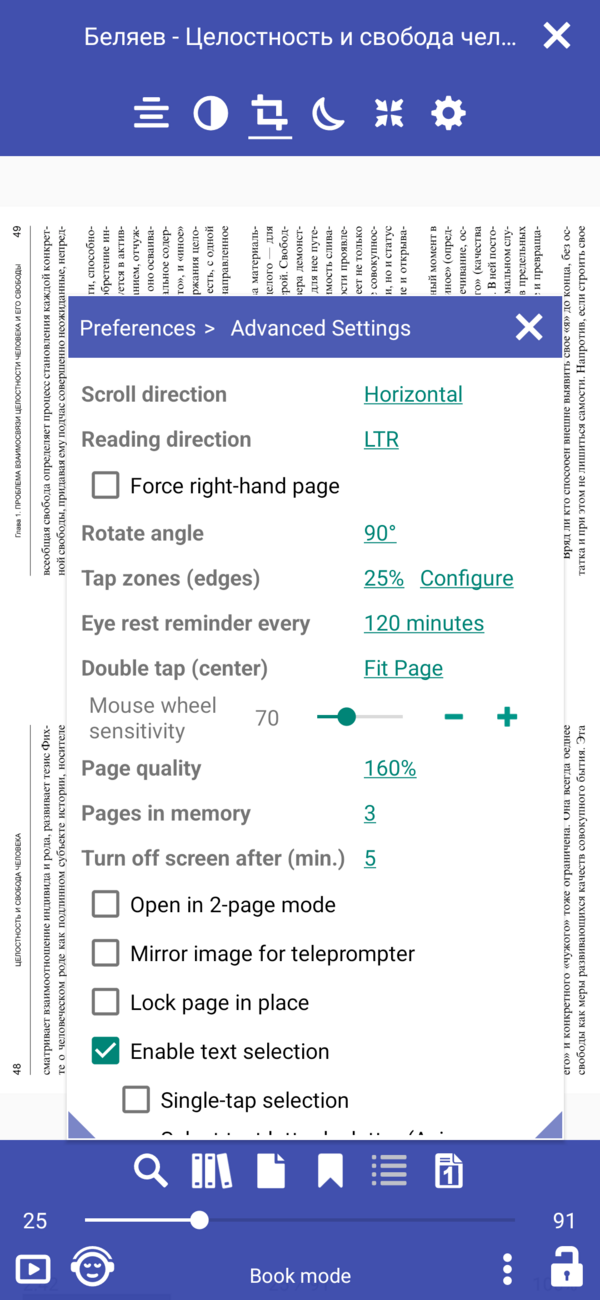
[8.6.43] Rotate the page 90 degrees, cut out the white borders, cut into two pages
 |
 |
 |
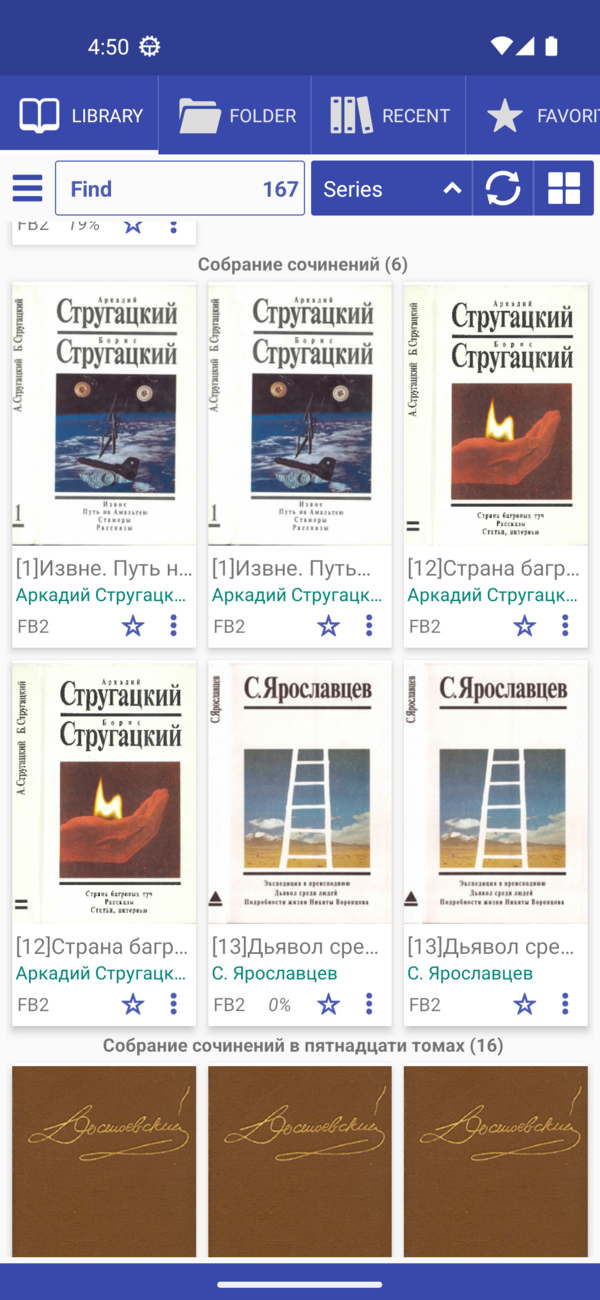
[8.6.41] Show series name, order by series index
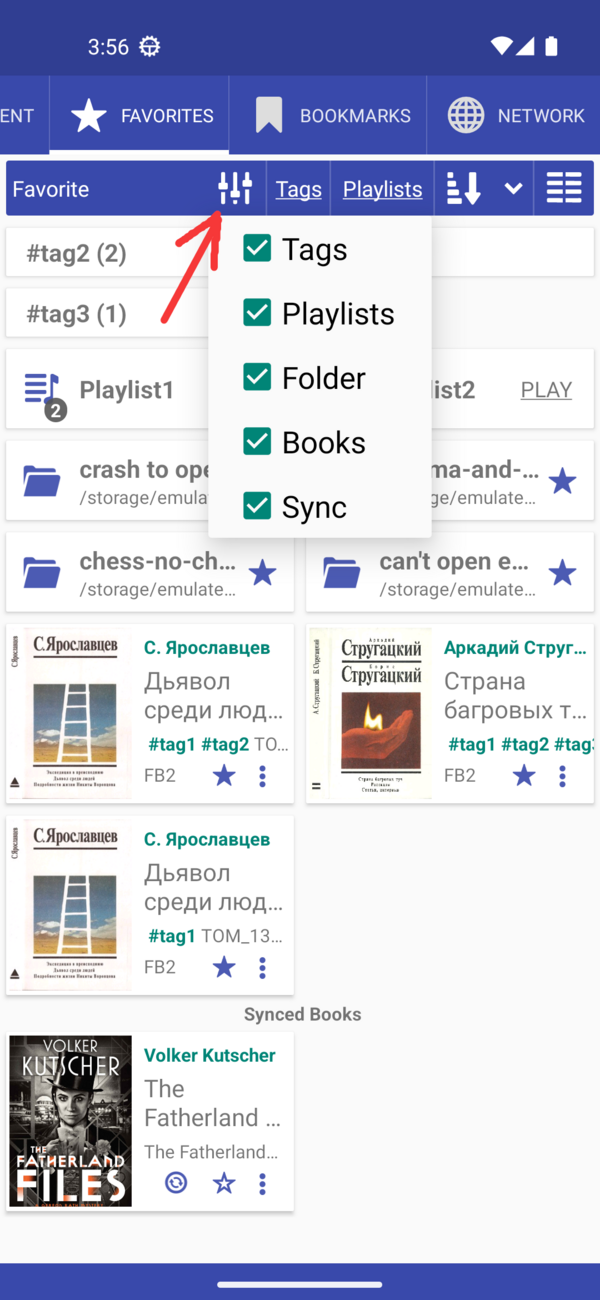
[8.6.40] Configure what to show in the favorites tab
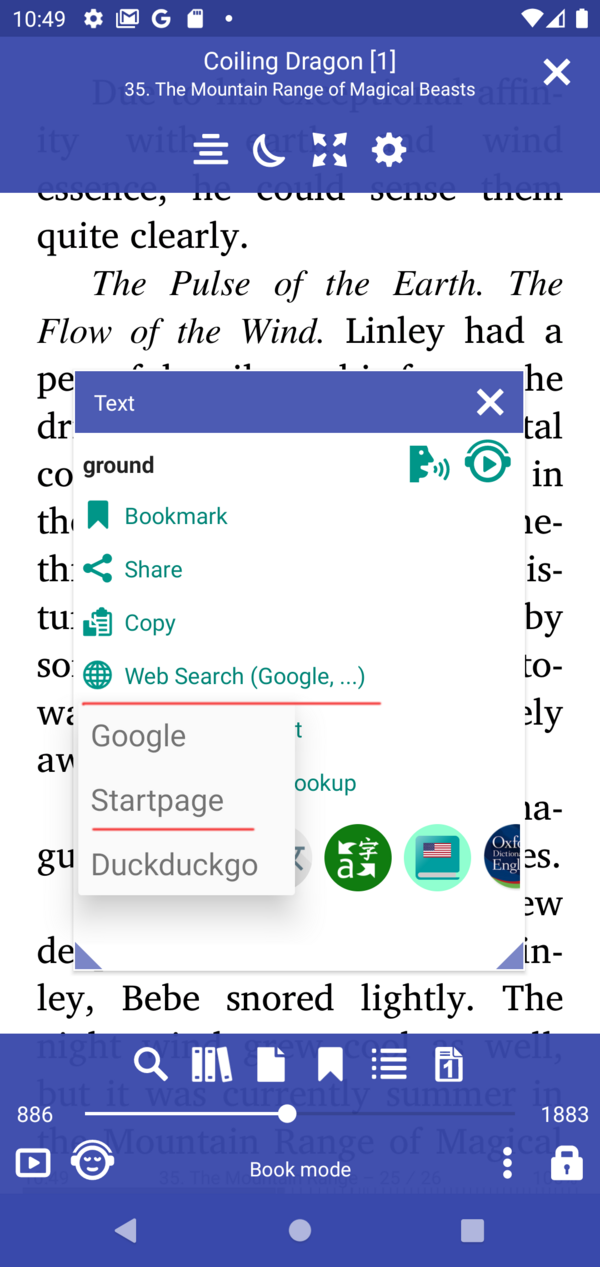
[8.6.39] Moved Web Search and Web Dictionaries to the user files app-WebDict.json and app-WebSearch.json
> /storage/emulated/0/Librera/profile.Librera/device.[name]/app-WebSearch.json
[
{"name": "_ Disabled dict starts with _", "path": "https://translate.google.com/#%s/%s/%s"},
{"name": "Google", "path": "http://www.google.com/search?q=%s"},
{"name": "StartPage", "path": "https://www.startpage.com/sp/search?query=%s"},
{"name": "DuckDuckGo", "path": "https://duckduckgo.com/?q=%s"}
]
[8.6.36] Add Web Search in Google, DuckDuckGo, StartPage
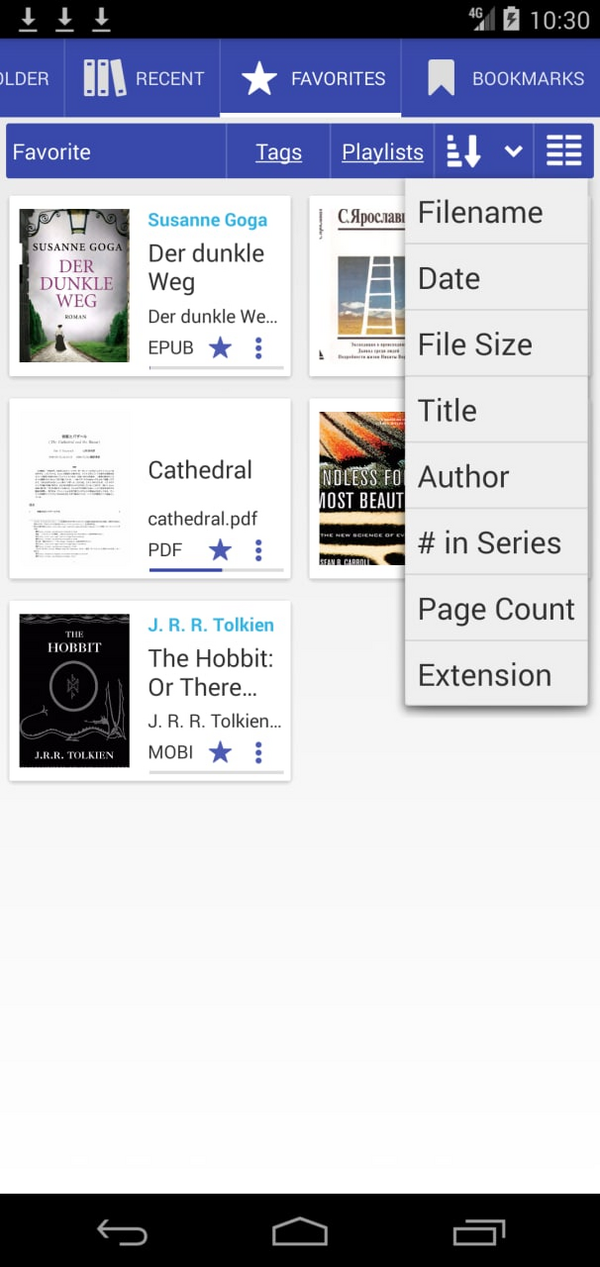
[8.6.32] Favorite Tab - list sorting options
[8.6.30] Librera Old for Android 4.0+ Download
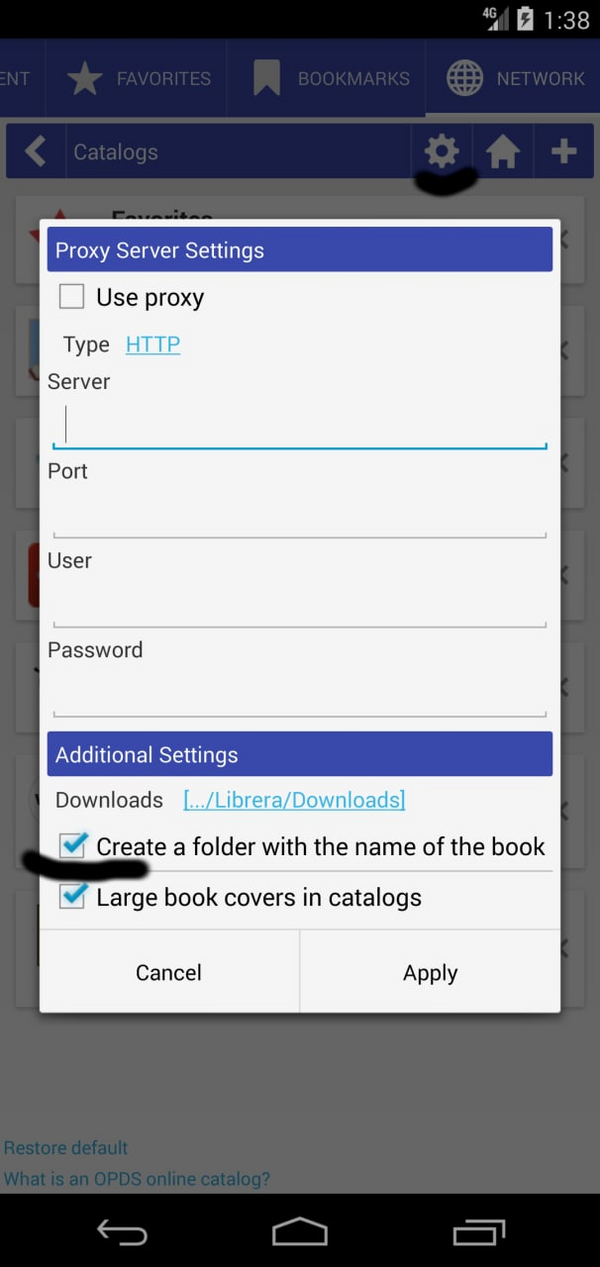
[8.6.21] Create a folder with the name of the book for OPDS downloaded books
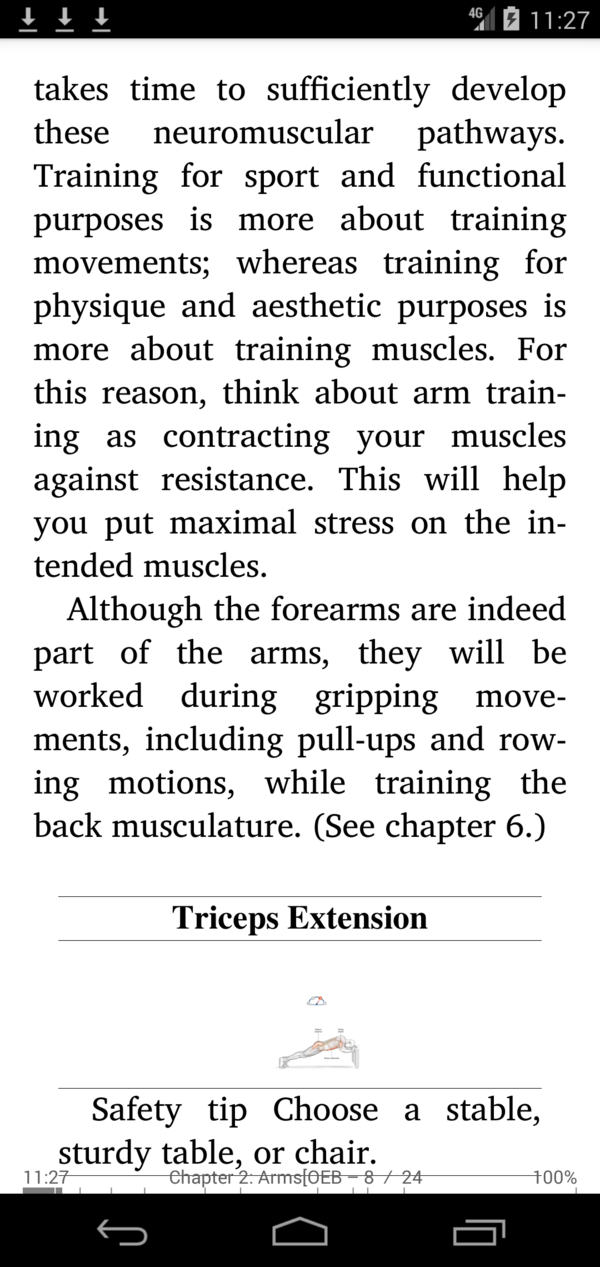
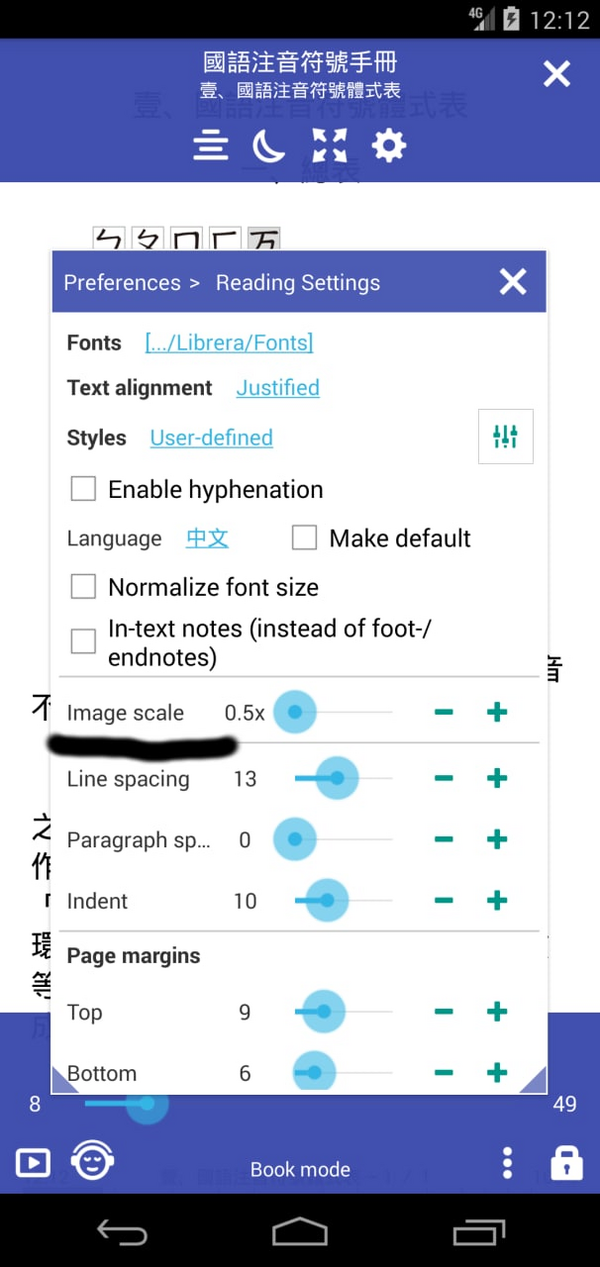
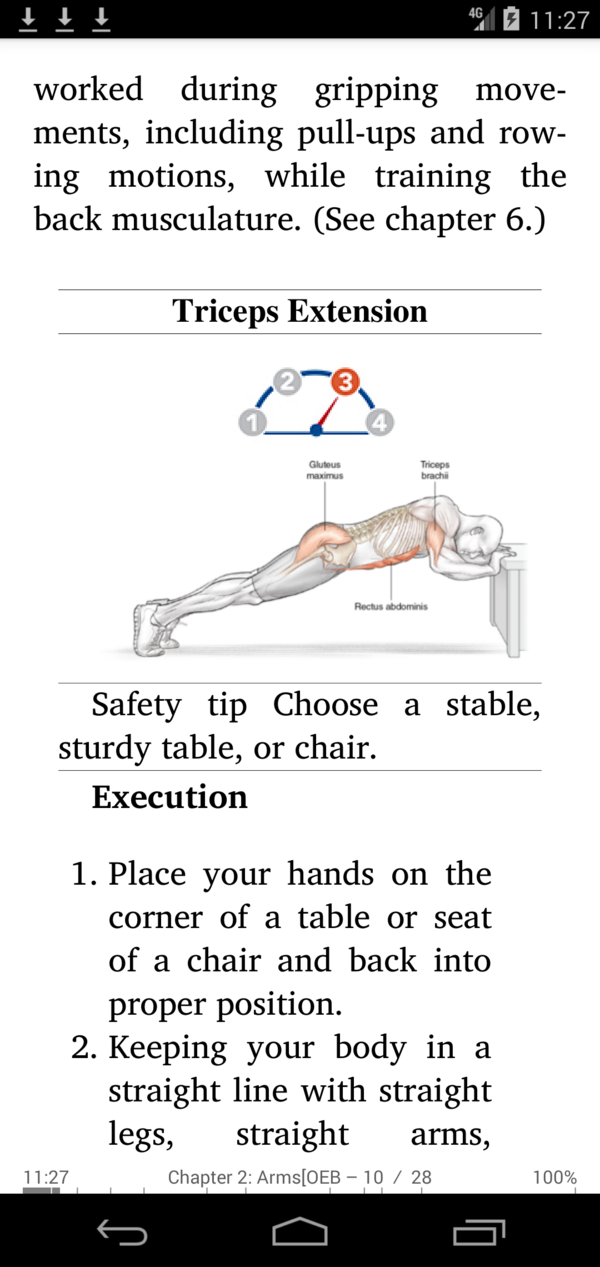
[8.6.19] Custom image scale (Graphic scale) factor for Epub
 |
 |
 |
[8.6.01] New vector icons, improved UI
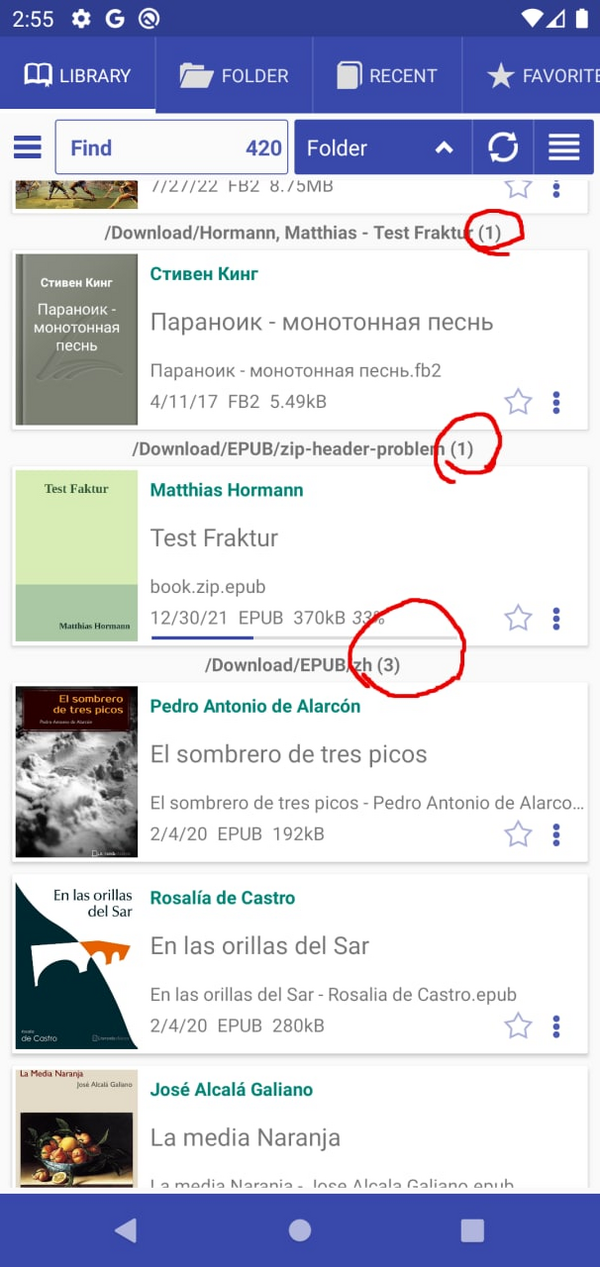
[8.5.50] Show book count in each folder
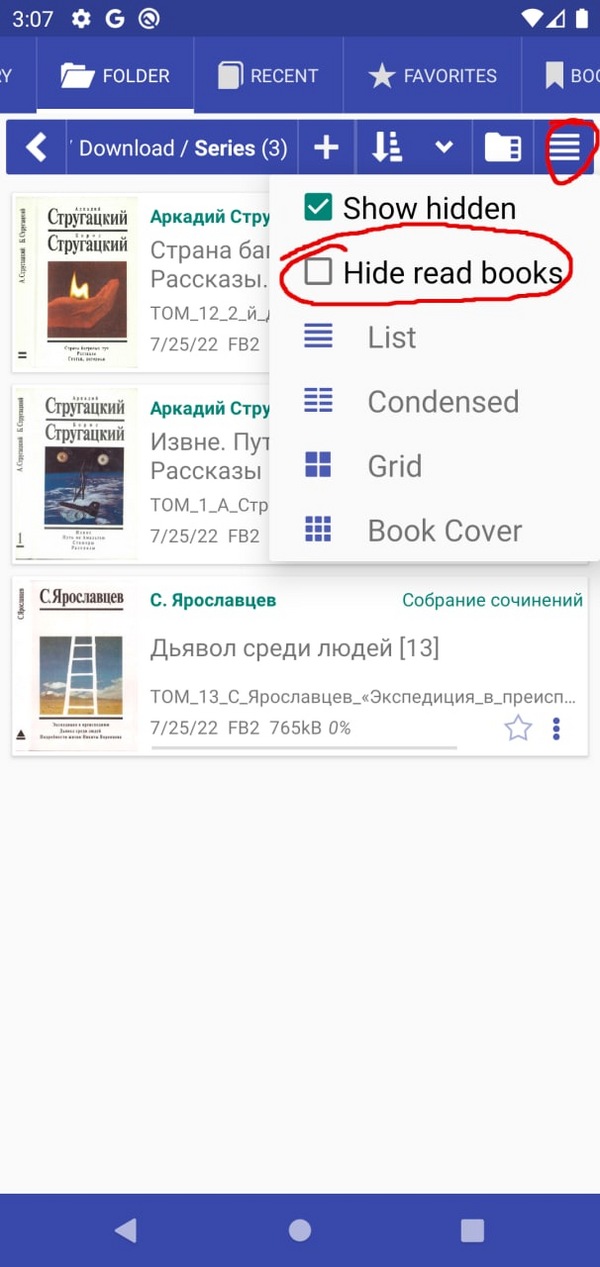
[8.5.40] Hide read books in Folder tab and Library Tab
[8.5.27] Restore search query at startup
[8.5.12] Support EPUB and comics with WEBP images
[8.4.21] Preset text encoding for .TXT files
[8.4.08] Always open books in 2-page mode
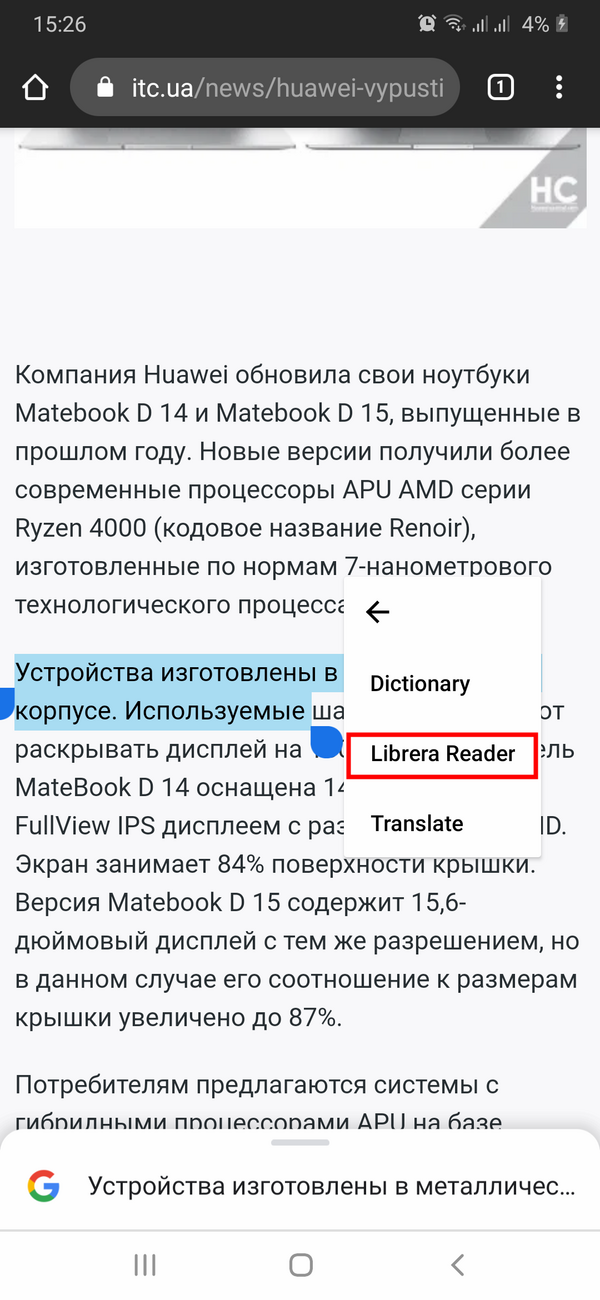
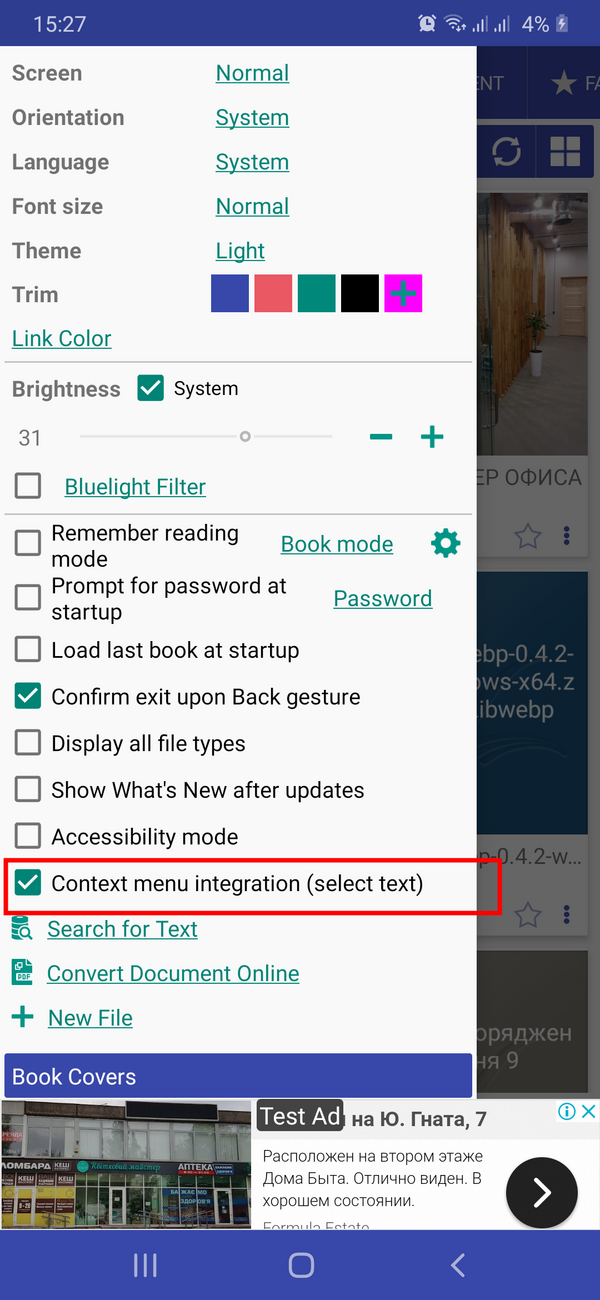
[8.3.97] Enable disable context menu integration (text selection)
|||
|-|-|
| |
| |
|
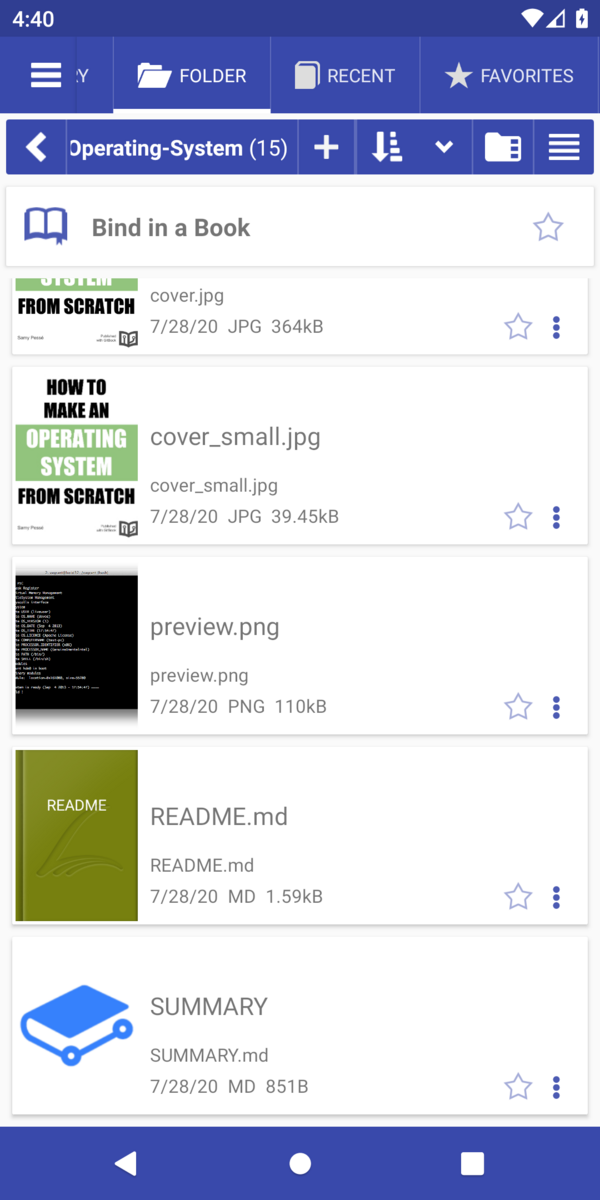
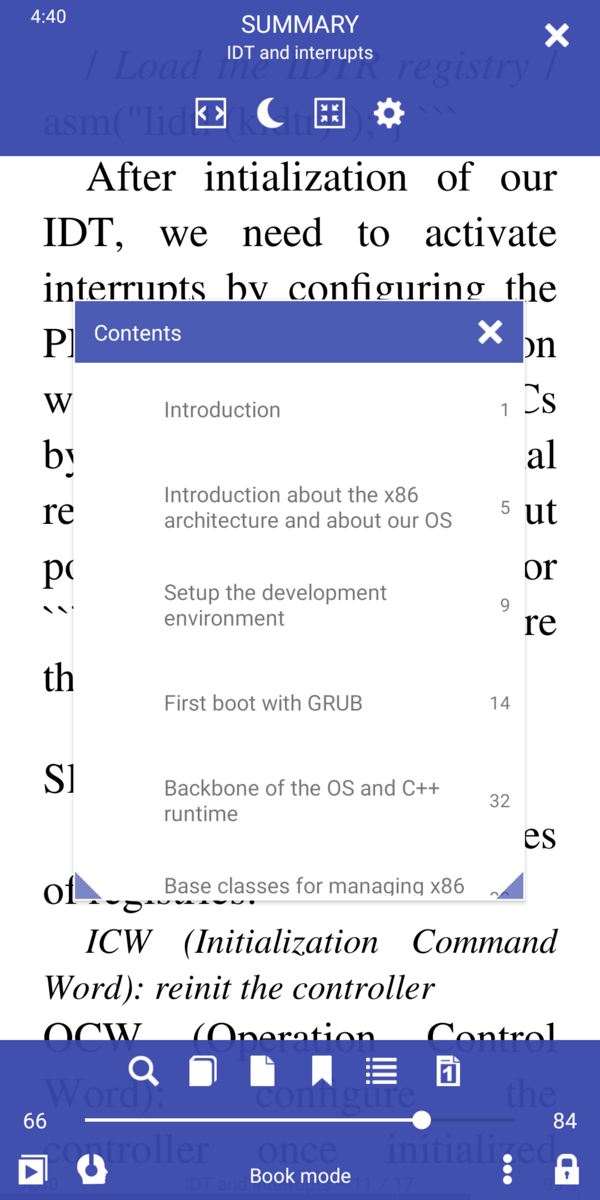
[8.3.94] Bind a GitBook
 |
 |
[8.3.90] Accessibility optimization
[8.3.84] OPDS download folder format “[Author name]/Book name”
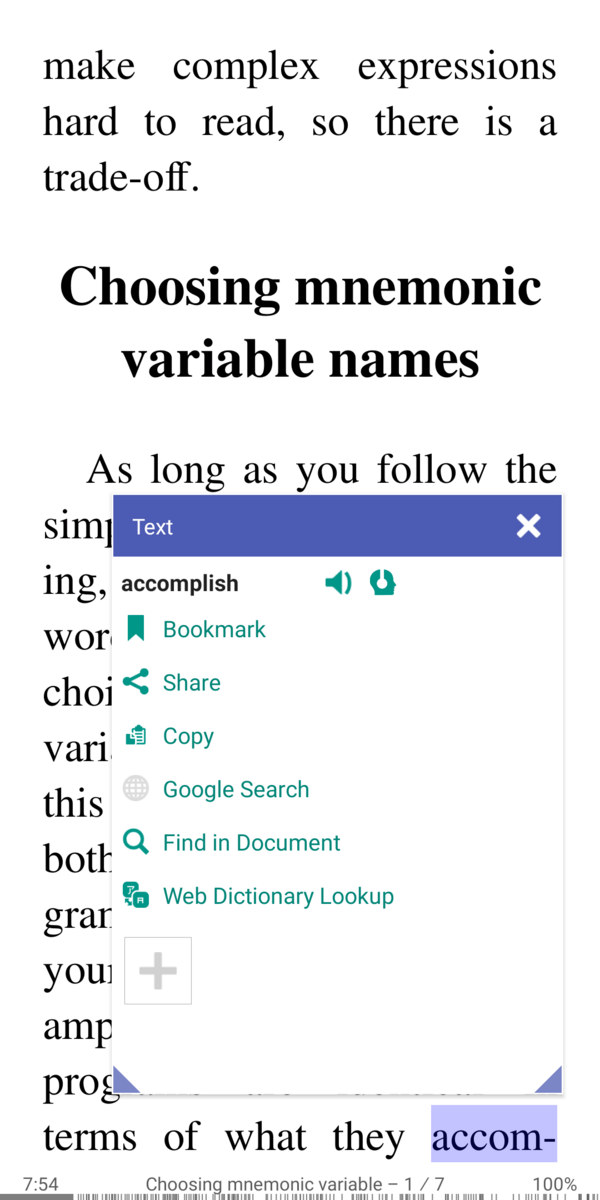
[8.3.80] Text selection: hyphenated last word on page will be selected as complete
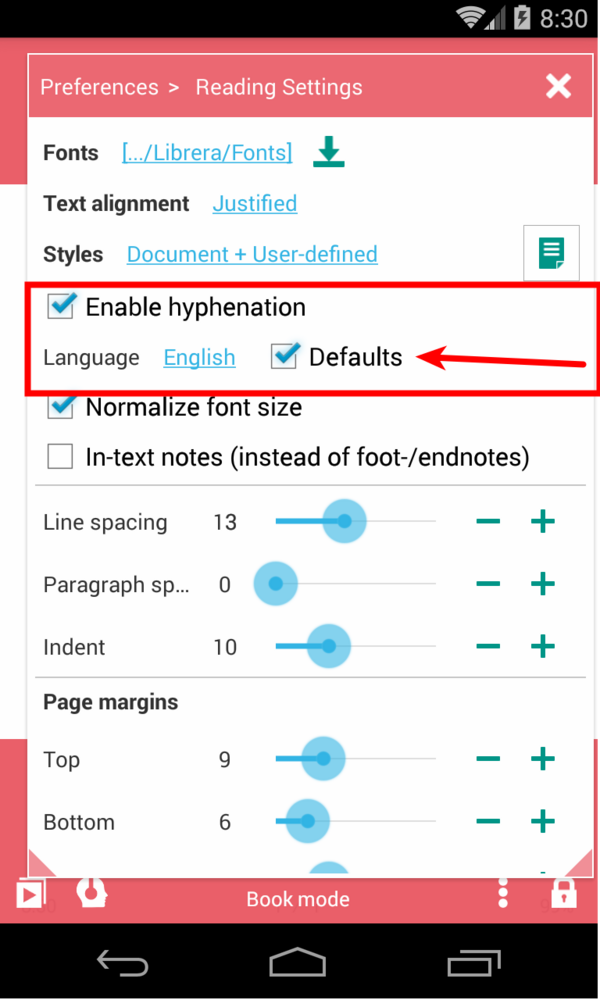
[8.3.78] Default hyphen language for all books
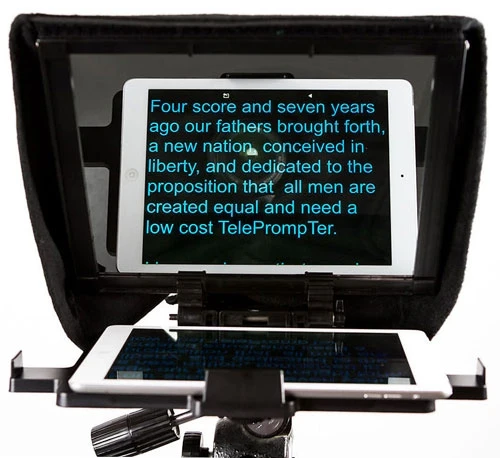
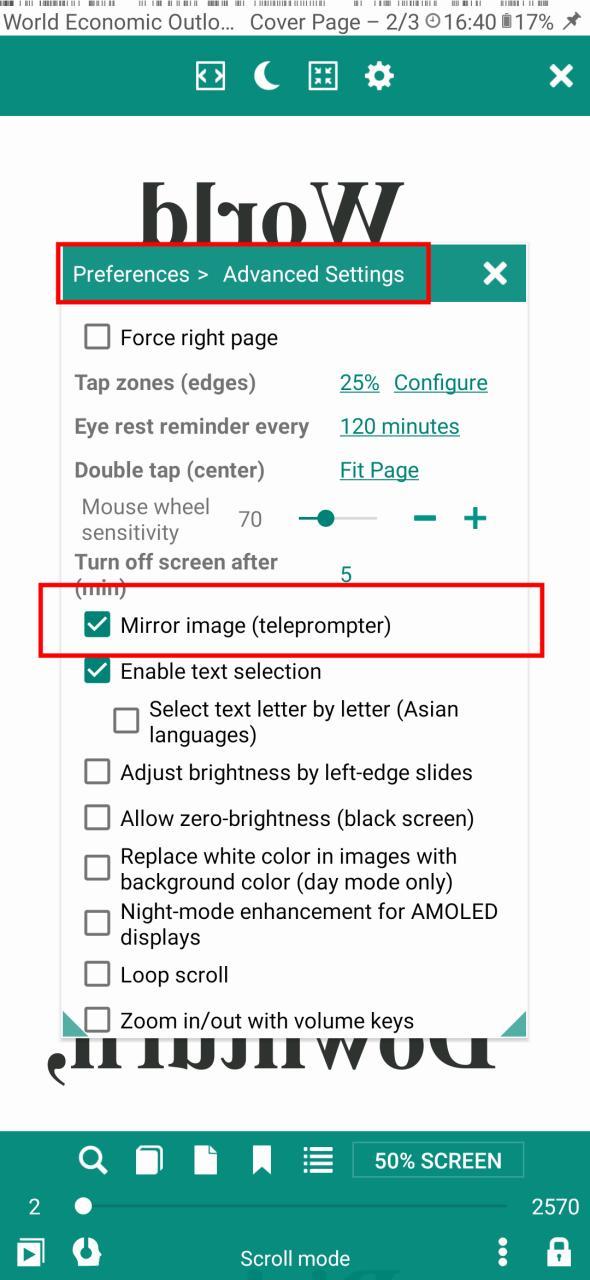
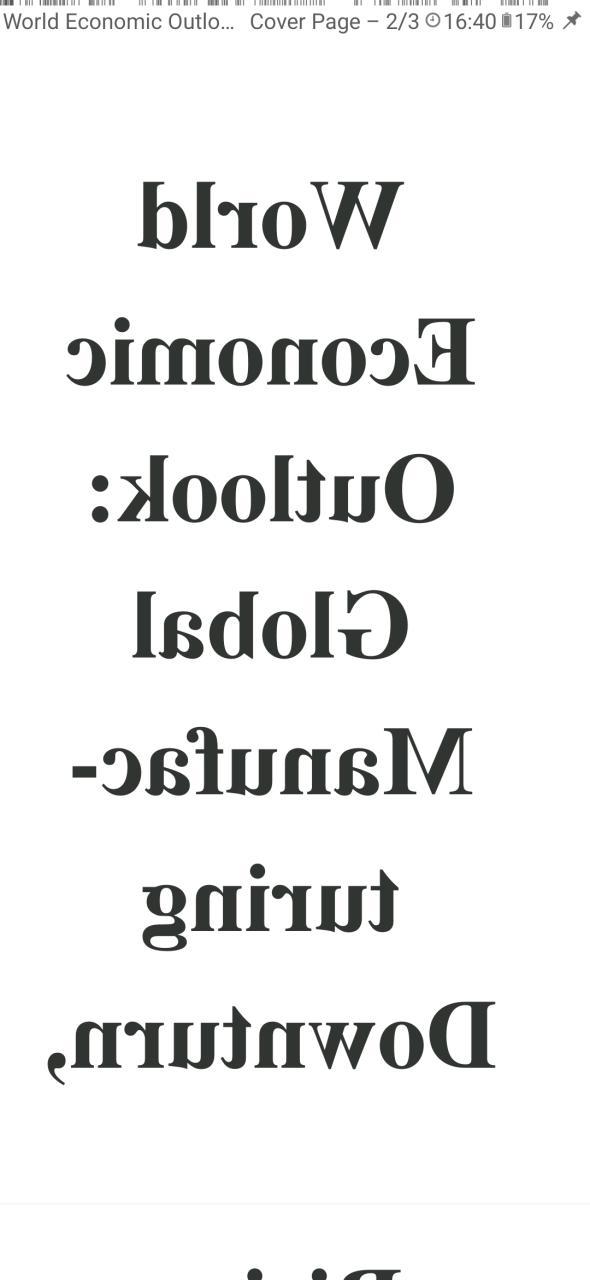
[8.3.77] Mirror image for telepromter
 |
 |
 |
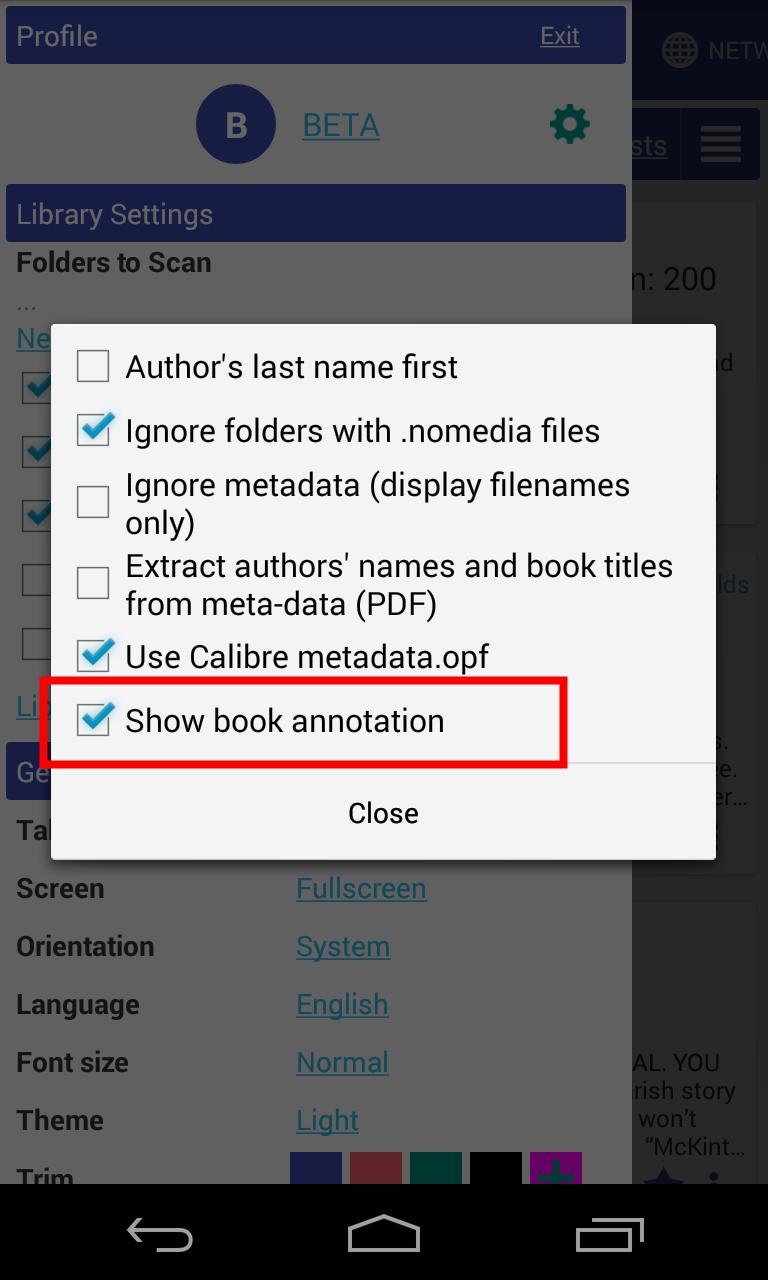
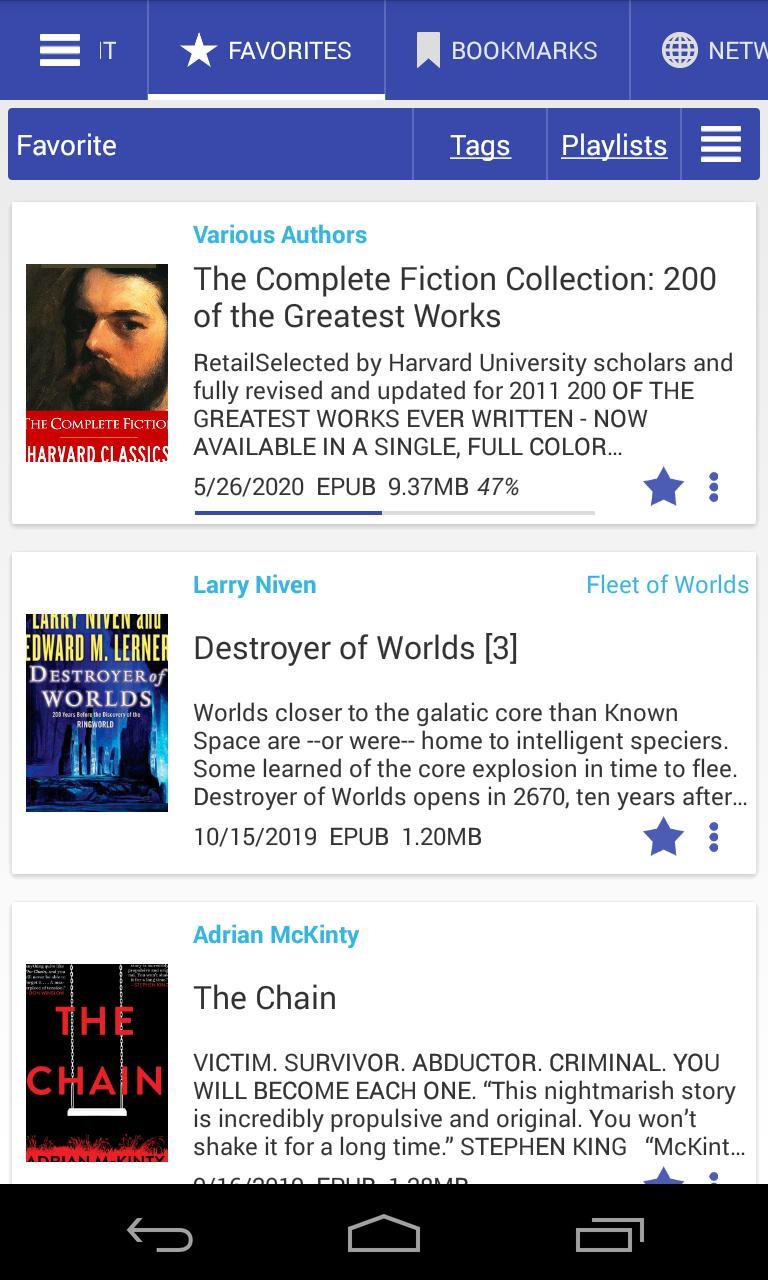
[8.3.70] Show book description
 |
 |
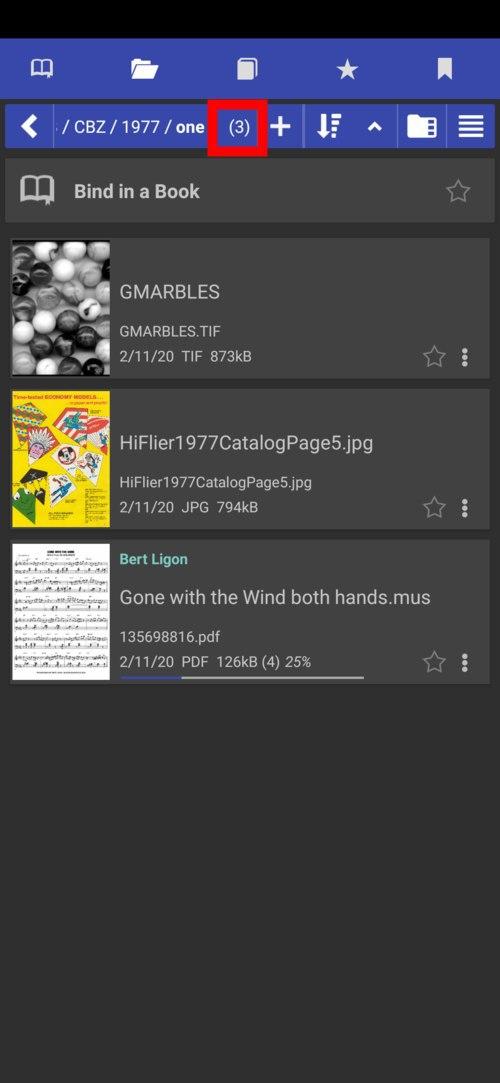
[8.3.58] books-in-folder count
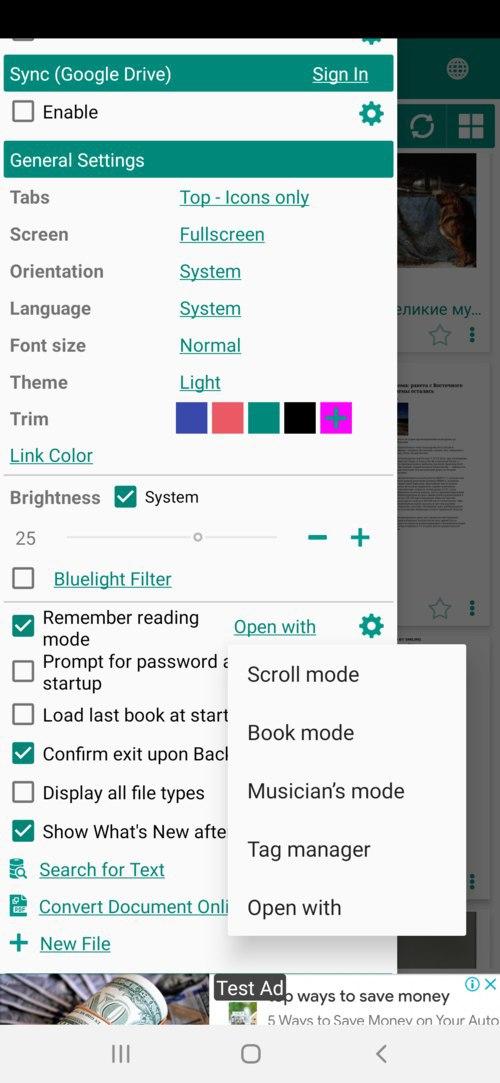
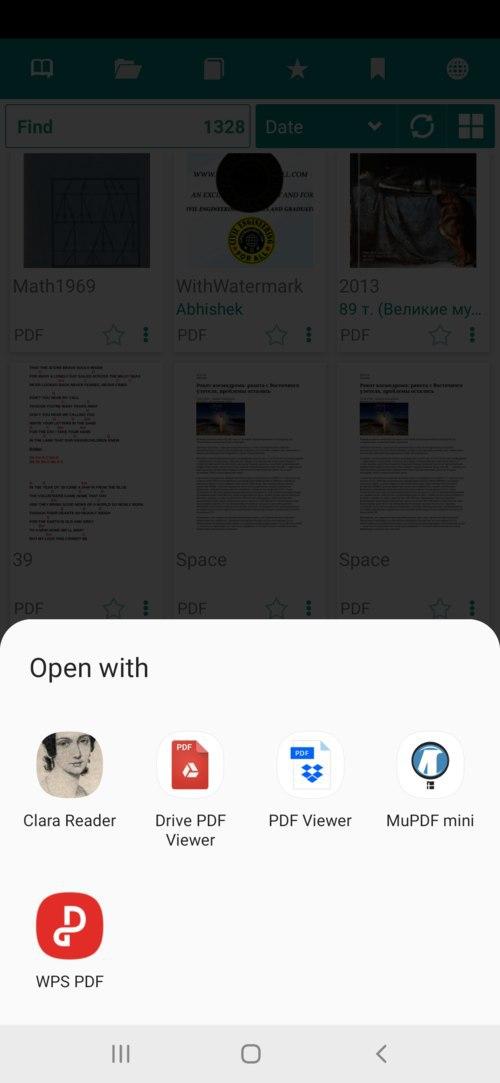
[8.3.49] “Open with” default open book action
 |
 |
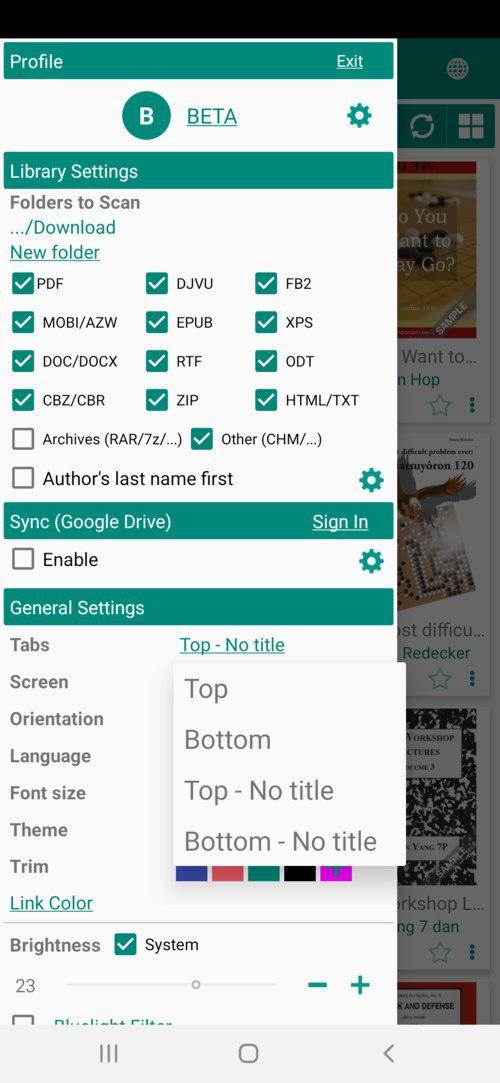
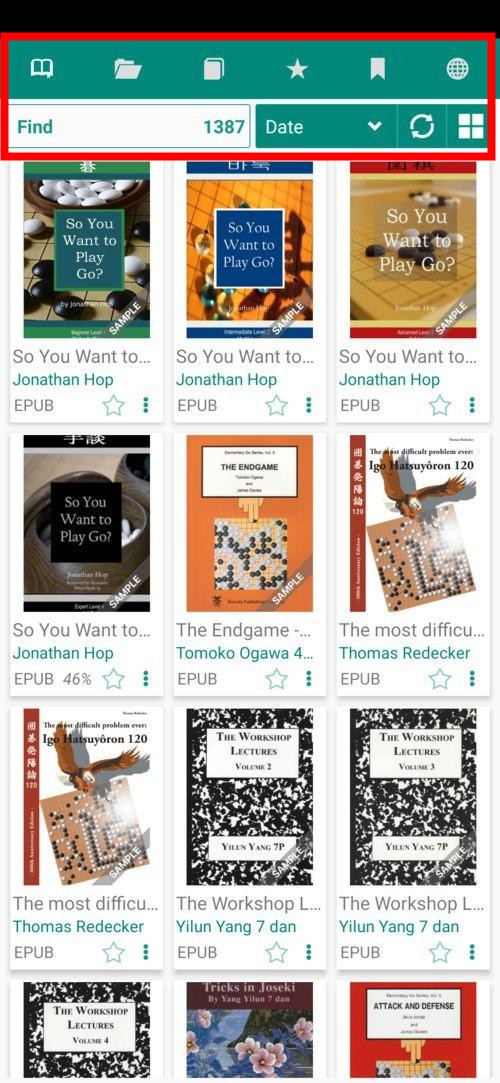
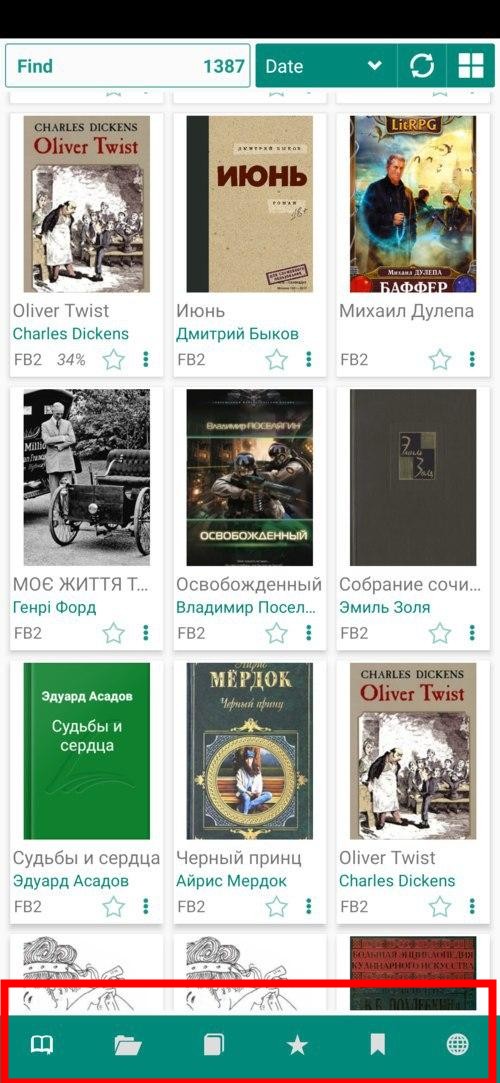
[8.3.41] Tabs “Icons only”
 |
 |
 |
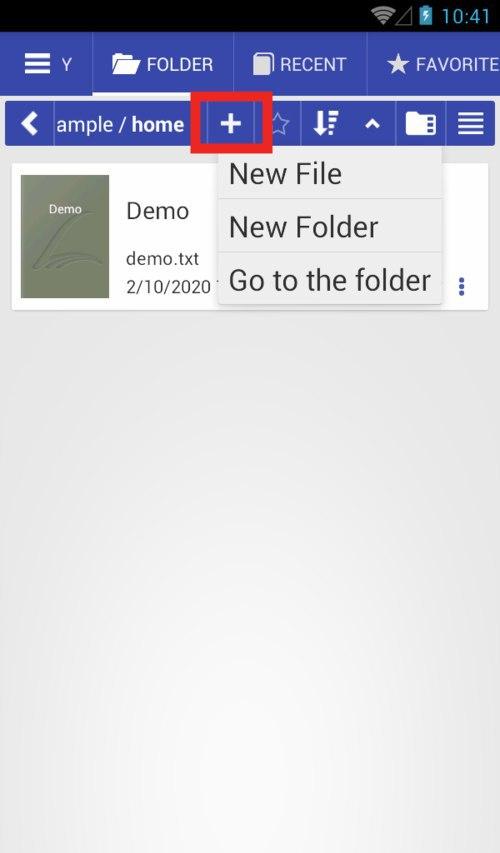
[8.2.37] New file, New Folder, Go to the folder options
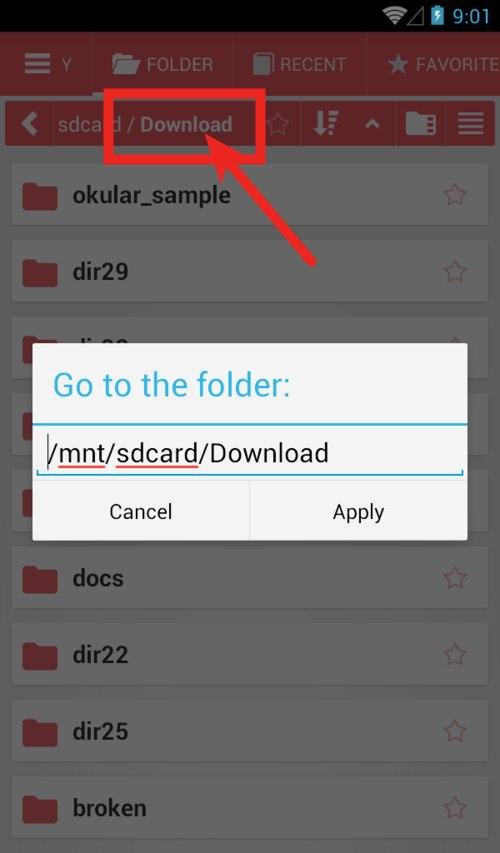
[8.2.36] “Go to folder” edit path (long click)
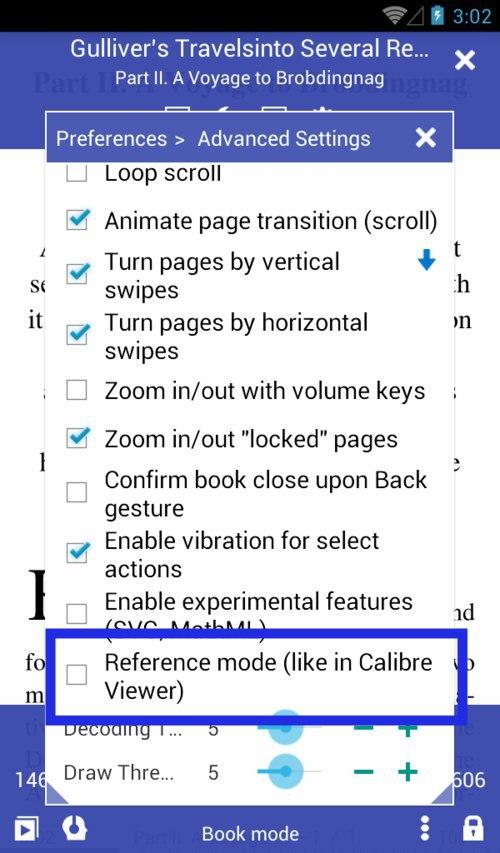
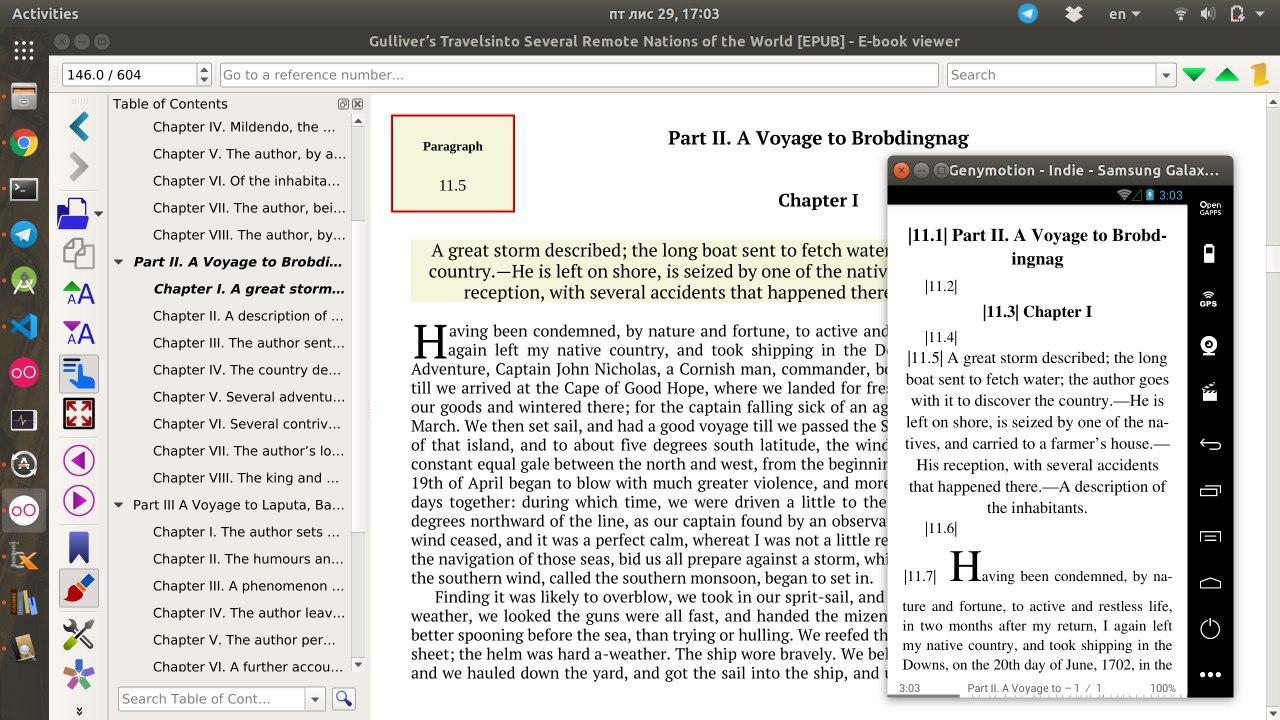
[8.2.22] Reference Mode like In Calibre View
 |
 |
[8.2.21] Basic support of .md Markdown files
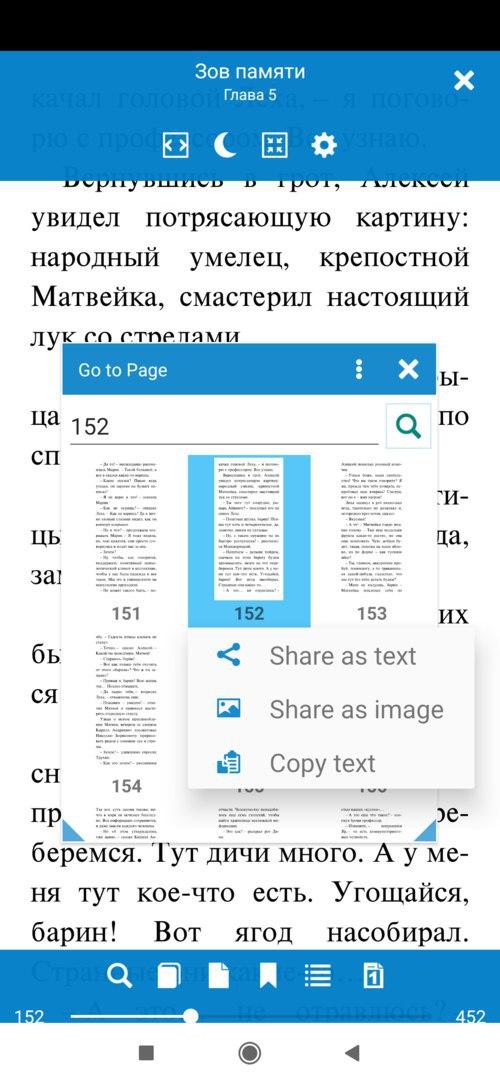
[8.2.20] Send page as text/image from the Go to Page dialog.
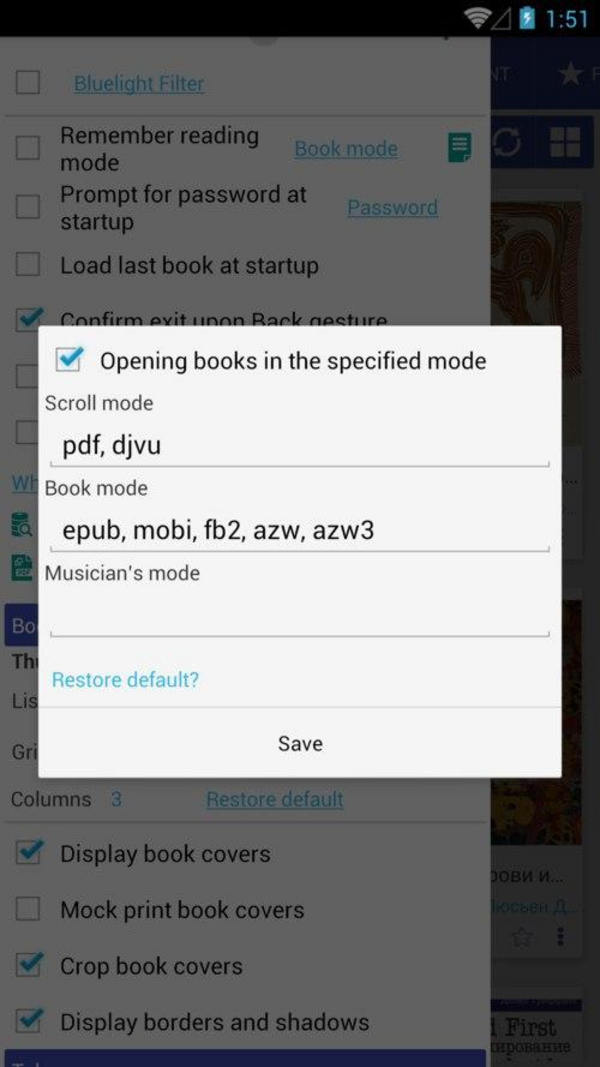
[8.2.19] Specify book formats for reading modes (reading-mode presets)